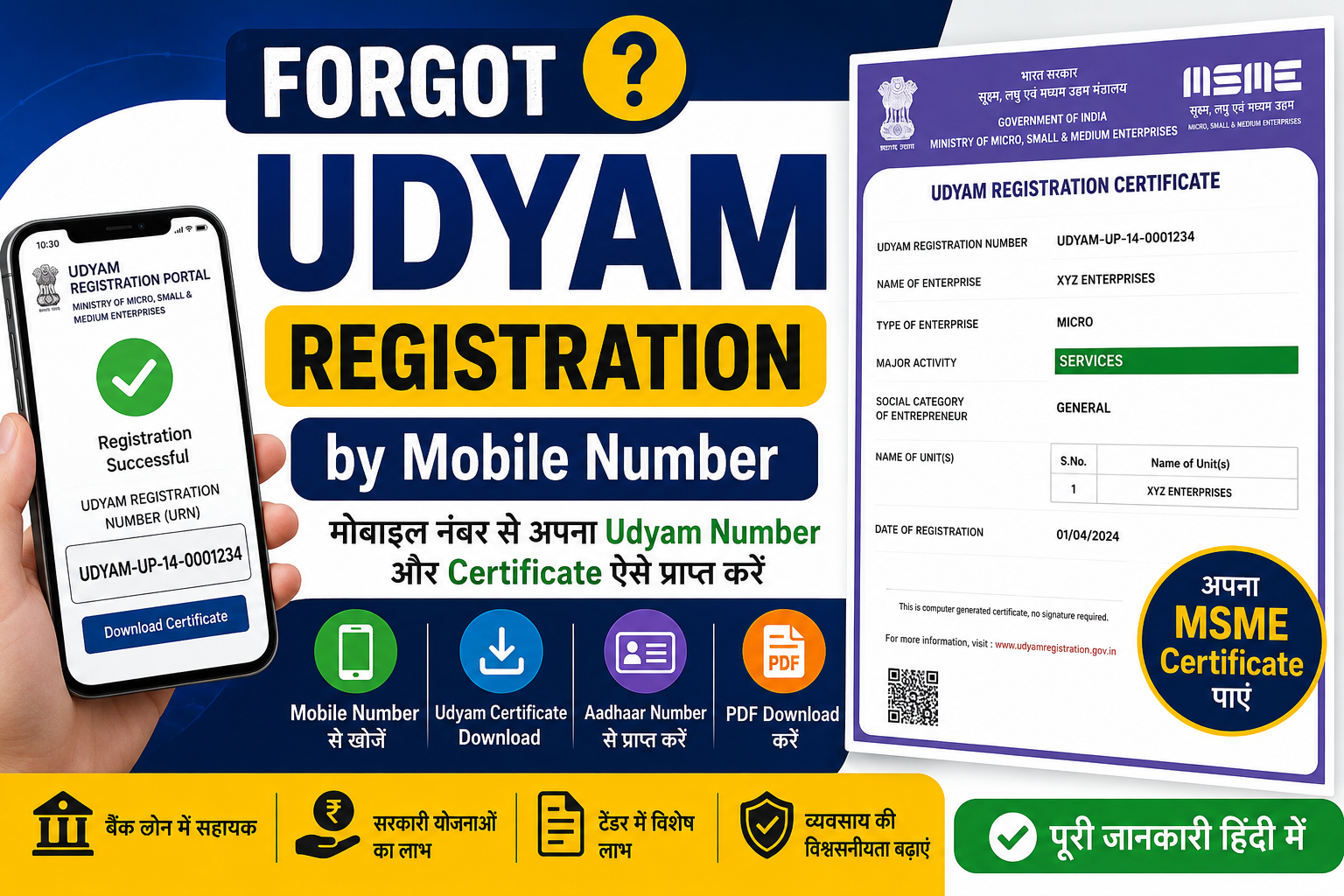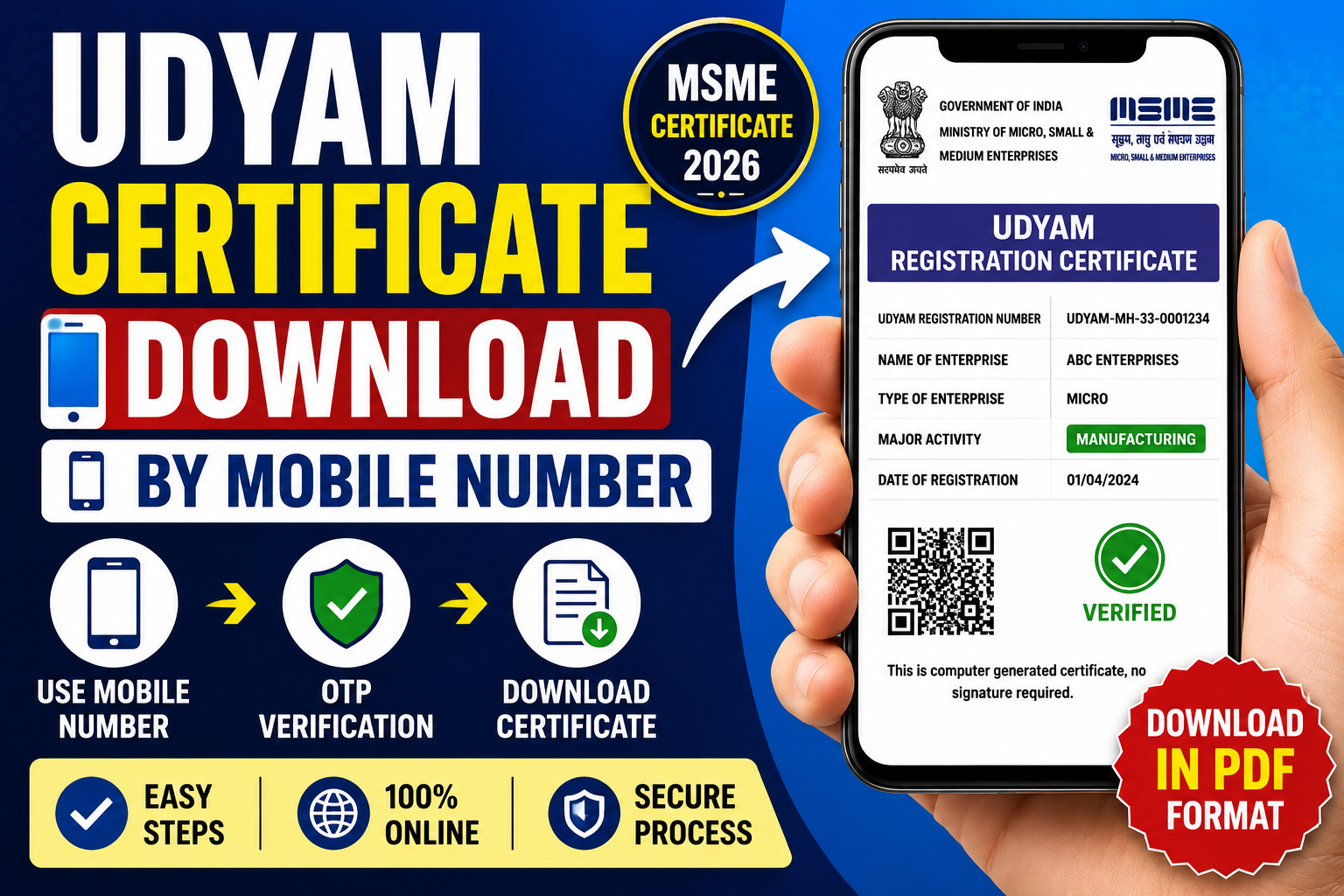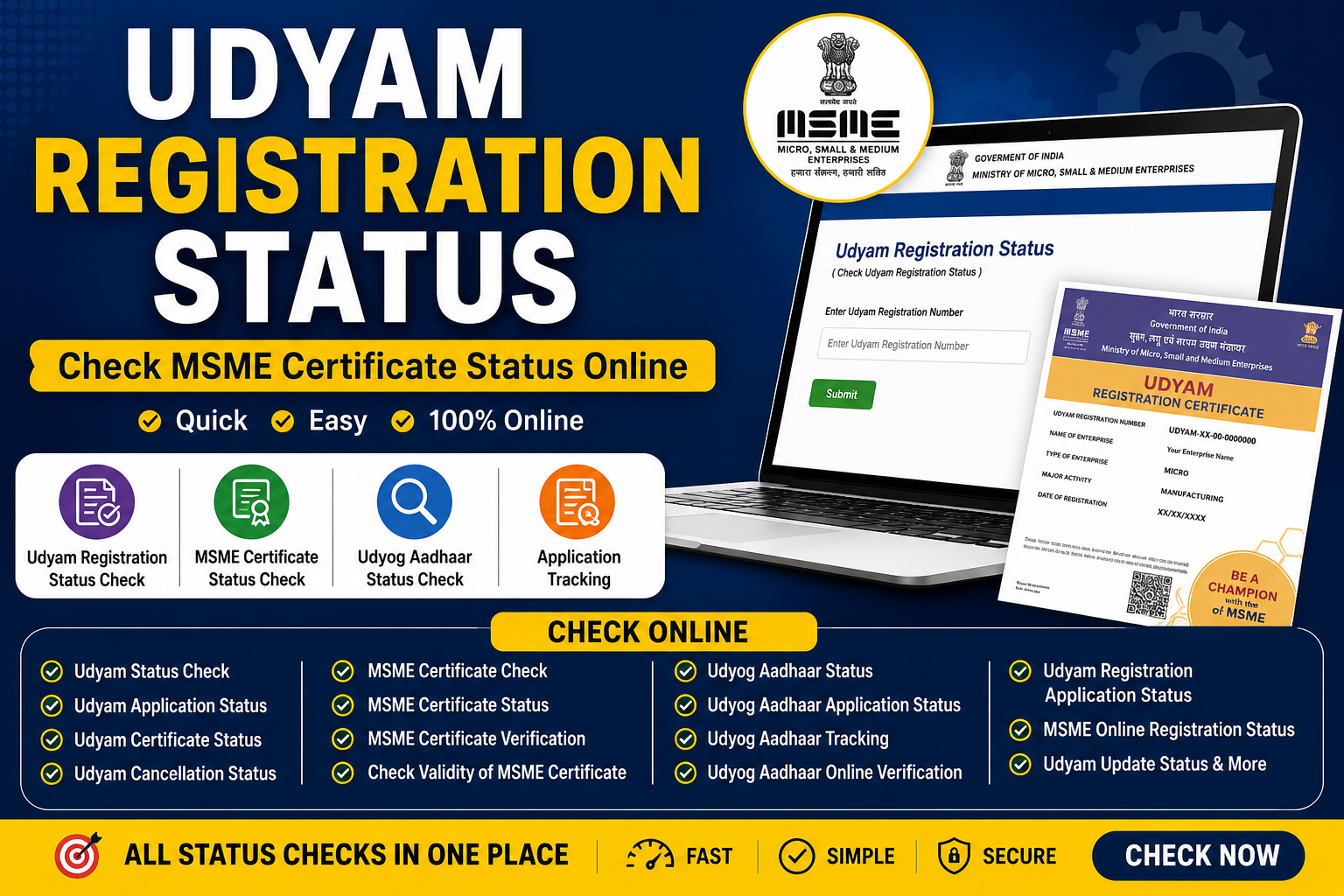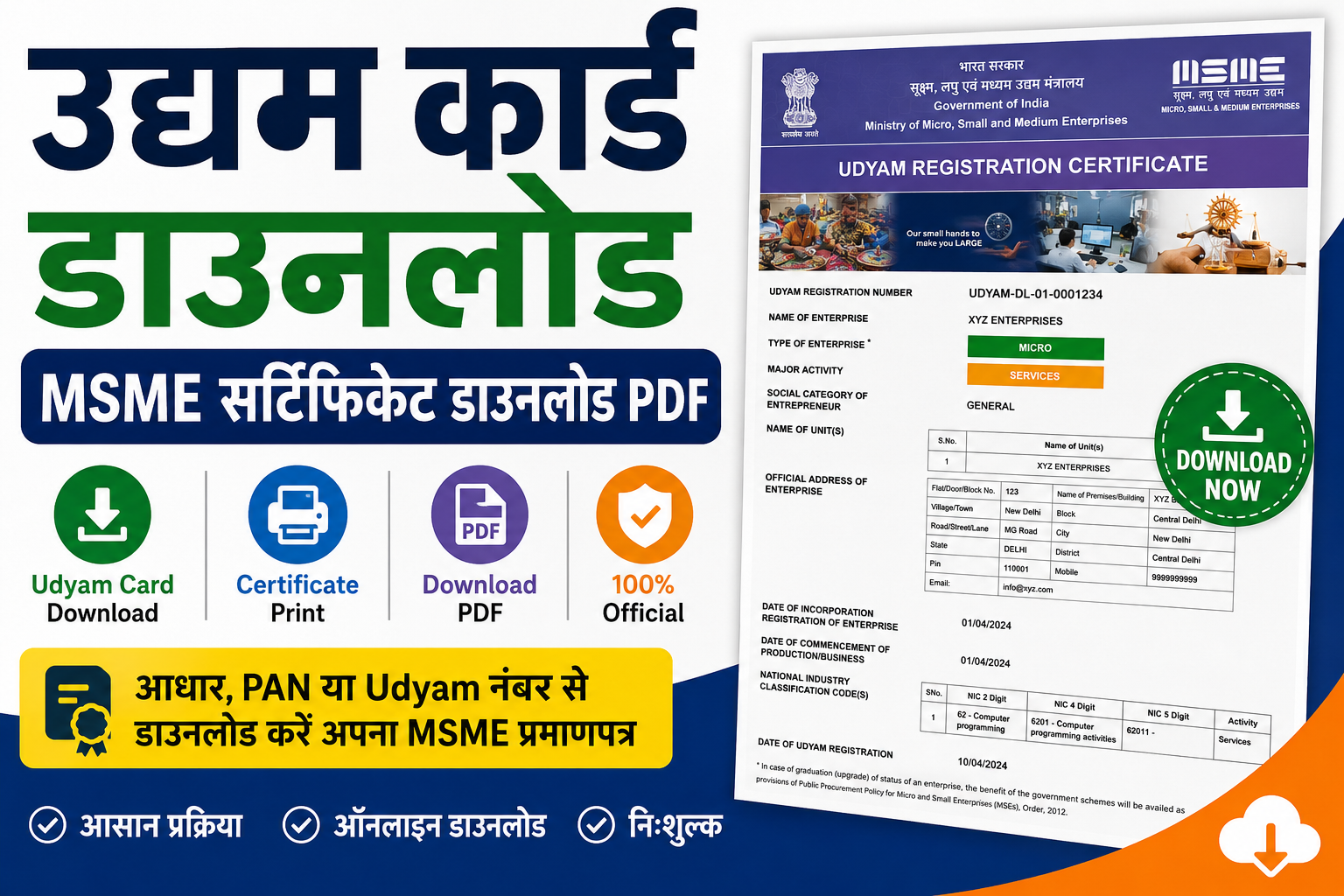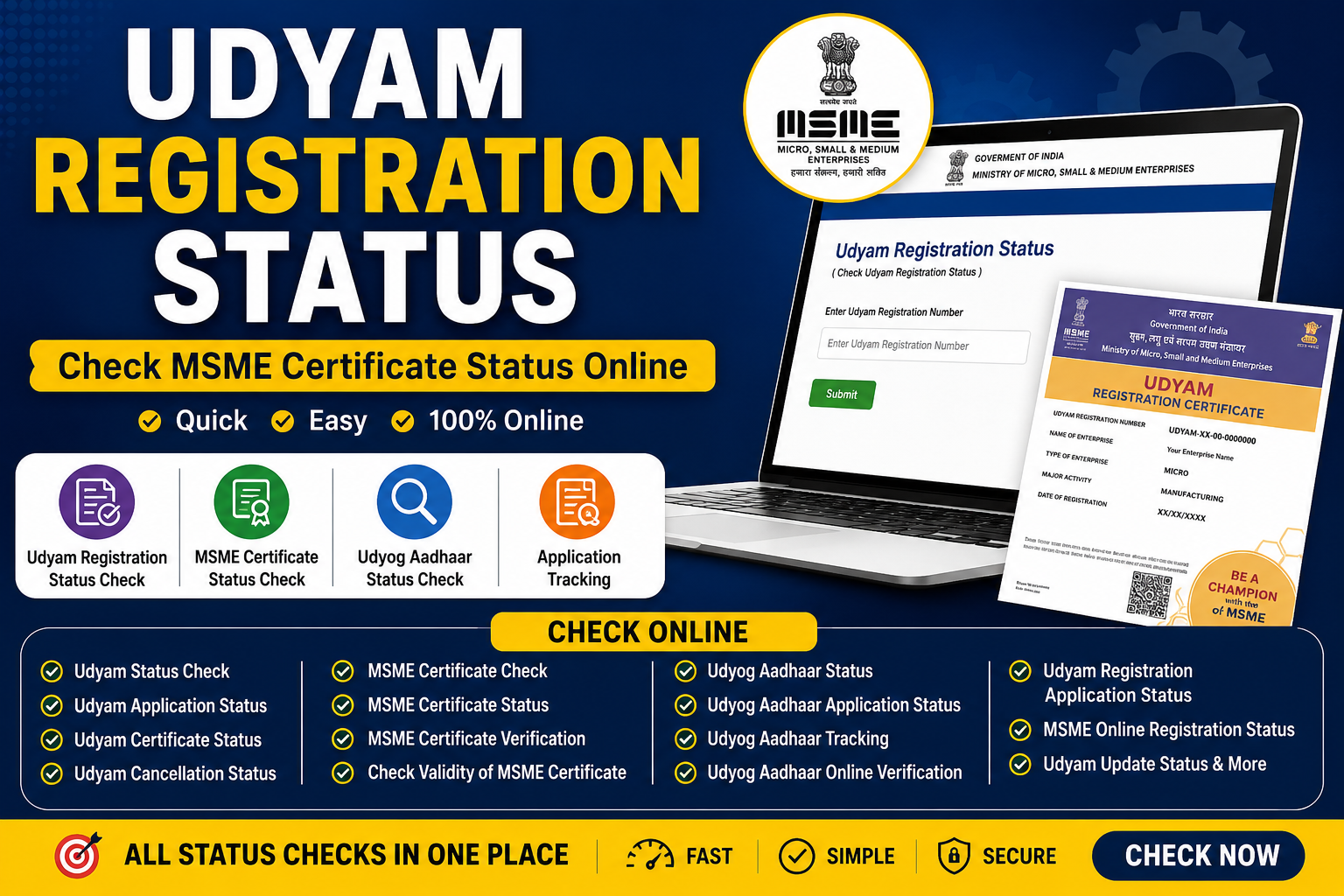
In today's digital business environment, knowing your Udyam registration status is crucial for every micro, small, and medium enterprise in India. Whether you're applying for government tenders, seeking bank loans, or verifying your MSME certificate status, having up-to-date information about your registration is essential.
Udyam registration status check has become simpler with the online portal, allowing entrepreneurs to track Udyam application, verify MSME certificate online check, and confirm their Udyam certificate status instantly. This comprehensive guide covers everything about Udyam status, MSME registration status, Udyog Aadhar status, and how to check all related certificate statuses online.
The Udyam Registration Portal, maintained by the Ministry of Micro, Small and Medium Enterprises, offers zero-cost registration and instant online verification. Whether you're looking for Udyam registration application status, Udyog Aadhar application status check, or want to check validity of MSME certificate, this guide provides step-by-step instructions for all verification methods.
What is Udyam Registration Status?
Understanding Udyam Registration
Udyam registration is the government's official recognition system for micro, small, and medium enterprises (MSMEs) in India. It replaced the earlier Udyog Aadhar system and provides a unique Udyam Registration Number (URN) for each registered business.
When you Udyam registration status check, you're verifying:
-
Whether your business is officially registered as MSME
-
Current status of your application (pending/approved/cancelled)
-
Validity of your MSME certificate
-
Details linked to your PAN and GSTIN
Key Benefits of Udyam Registration:
-
Government Tenders: Eligible for MSME-specific government contracts
-
Bank Loans: Access to collateral-free loans at lower interest rates
-
Subsidies: Various government subsidies and incentives
-
Tax Benefits: Tax exemptions and concessions
-
Protection: Against delayed payments from buyers
-
International Trade: Support for exports under MSME schemes
Udyam Registration Status vs MSME Certificate Status: Understanding the Difference
Udyam Registration Status:
-
Refers to the current status of your Udyam registration application
-
Shows if registration is Under Process, Approved, or Cancelled
-
Verified using Udyam Registration Number (URN)
MSME Certificate Status:
-
Refers to the validity and authenticity of your issued MSME certificate
-
Confirms certificate is active and valid
-
Used for business verification purposes
-
Can be verified through MSME certificate online verification
Udyog Aadhar Status:
-
Legacy system replaced by Udyam Registration
-
Older 12-digit Udyog Aadhaar Number (UAM)
-
Still valid for businesses registered before Udyam system
-
Can be verified through Udyog Aadhaar verification portal
How to Check Udyam Registration Status Online: Complete Step-by-Step Guide
Method 1: Check Udyam Status Using Registration Number (URN)
This is the most reliable method to check Udyam status.
Step-by-Step Process:
Step 1: Visit the Official Udyam Registration Portal
-
Go to: https://www.udyamregistration.gov.in
-
This is the official website for MSME Registration
Step 2: Click on Print/Verify Option
-
On the homepage, locate the "Print/Verify" menu
-
Click on this option to access verification tools
Step 3: Select "Verify Udyam Registration Number"
-
From the dropdown menu, choose "Verify Udyam Registration Number"
-
This option allows you to check Udyam registration application status
Step 4: Enter Your 16-Digit Udyam Registration Number
-
Enter your complete URN (example: UDYAM-I-XX-00-0000000)
-
Format: First 2 alphabets, 2 digits, 1 alphabet, last 7 digits
-
Enter the captcha code shown on screen
Step 5: Click on Verify Button
-
Click "Verify" to check Udyam status
-
Your MSME registration status will be displayed instantly
Step 6: View Your Registration Status
-
If registration is active and valid, MSME details will appear
-
Status will show: Active, Valid, Under Process, or Cancelled
-
You can download/print your Udyam certificate status
What You'll See:
-
Business name and address
-
PAN and GSTIN details
-
Registration date
-
Enterprise type (Micro/Small/Medium)
-
Industry classification
-
Udyam certificate status (Active/Valid)
Method 2: Check MSME Registration Status Using PAN
If you don't have your Udyam Registration Number, use PAN to check Udyam application status.
Step-by-Step Process:
Step 1: Visit Udyam Registration Portal
Step 2: Click on "Update Udyam Registration"
-
Select this option from the menu
Step 3: Choose PAN Verification Option
-
Select "Verify or retrieve MSME registration details using PAN"
Step 4: Enter PAN Details
-
Enter your company/business PAN number
-
Enter registered mobile number for OTP reception
Step 5: Complete OTP Verification
-
Receive OTP on registered mobile number
-
Enter OTP to verify identity
Step 6: View MSME Registration Details
-
Your MSME registration status will be displayed
-
Includes all registration details and certificate information
Method 3: Check Udyam Status Using Aadhaar Number
Udyam Aadhaar status can be checked using your Aadhaar number linked to registration.
Step-by-Step Process:
Step 1: Visit Udyam Portal
-
Go to official Udyam registration website
Step 2: Access Aadhaar Verification
-
Look for Aadhaar-based verification option
Step 3: Enter Aadhaar Number
-
Enter your 12-digit Aadhaar number
-
Ensure it's the same Aadhaar used during registration
Step 4: Complete OTP Verification
-
Select OTP option (Mobile or Email)
-
Enter verification code
-
Click "Validate and Generate OTP"
Step 5: Enter OTP Received
-
Enter OTP sent to your mobile/email
-
Complete verification process
Step 6: View Udyam Status
-
Your Udyam Aadhaar status will appear
-
Shows registration status and certificate details
Method 4: Check Udyam Status Using Mobile Number or Email
If you have access to registered mobile or email, use this method to track Udyam application.
Step-by-Step Process:
Step 1: Visit Trace Udyam Registration Page
-
Go to official Udyam Portal
Step 2: Enter Registration Details
-
Enter Udyam Registration Number
-
Enter mobile number used during application
Step 3: Select OTP Delivery Method
-
Choose OTP on Mobile OR OTP on Email
Step 4: Click Submit Button
-
Click on "Submit" to proceed
Step 5: Enter OTP Received
-
Enter OTP received on mobile/email
Step 6: View Application Status
-
System will verify and retrieve current status
-
Shows: Under Process, Approved, or Needs Correction
Step 7: Download Certificate (If Approved)
-
If registration is completed, view and download Udyam certificate
-
Udyam certificate status will show as "Active"
How to Check MSME Certificate Online Verification
MSME Certificate Online Verification Process
MSME certificate online verification confirms your certificate's authenticity and validity.
Verification Steps:
Step 1: Access Udyam Verification Portal
-
This is the official Verify MSME portal
Step 2: Enter URN Number
-
Enter your 16-character Udyam Registration Number
-
Example format: UDYAM-I-XX-00-0000000
Step 3: Enter Verification Code (Captcha)
-
Enter the captcha code displayed on screen
Step 4: Click Verify Button
-
Click "Verify" for MSME certificate online verification
Step 5: View Verification Results
-
Certificate details will be displayed
-
Shows whether certificate is Active or Valid
-
Includes business information and registration date
MSME Certificate Status Check
To perform MSME certificate status check:
-
Visit official Udyam portal
-
Click on "Print/Verify" option
-
Select "Verify Udyam Registration Number"
-
Enter URN and captcha
-
Click Verify
-
View MSME certificate status (Active/Valid/Pending)
Check Udyog Aadhar Status: Legacy System Verification
Udyog Aadhar Status Check
Udyog Aadhar was the previous MSME registration system (before Udyam). Businesses registered before 2020 still have valid Udyog Aadhaar Numbers (UAM).
Method 1: Check Udyog Aadhar Status Using UAM Number
Step-by-Step Process:
Step 1: Visit MSME Aadhar Verification Website
Step 2: Enter 12-Digit UAM Number
-
Enter your complete Udyog Aadhaar Number
-
Format: First 2 alphabets, 2 digits, 1 alphabet, last 7 digits
Step 3: Enter Verification Code (Captcha)
-
Enter captcha code shown in image
Step 4: Click Verify Button
-
Click "Verify" button for Udyog Aadhaar verification
Step 5: View Registration Status
-
Your Udyog Aadhar status will appear on screen
-
Shows: Active, Valid, or Expired
Method 2: Check Udyog Aadhar Status with OTP
Udyog Aadhaar Verification with OTP process:
Step 1: Click OTP Verification Link
Step 2: Enter Udyog Aadhaar Number
-
Enter your 12-digit UAM number
Step 3: Select OTP Option
-
Choose: OTP on Mobile (as filled in application)
-
OR: OTP on Email (as filled in application)
Step 4: Enter Verification Code
-
Enter the verification code shown
Step 5: Click Validate and Generate OTP
-
Click "Validate and Generate OTP" button
Step 6: Enter OTP Received
-
Enter OTP sent to mobile/email
-
Complete Udyog Aadhar status check
Step 7: View Status
-
Your Udyog Aadhaar application status will appear
-
Shows registration details and current status
Udyam Cancellation Status: Understanding Cancelled Registrations
What is Udyam Cancellation Status?
Udyam cancellation status indicates when your MSME registration has been cancelled by the government. This can happen due to:
-
Non-compliance with MSME criteria
-
Incorrect information provided
-
Business closure
-
Failure to update details
-
Violation of MSME regulations
How to Check Udyam Cancellation Status
Steps to verify cancellation:
-
Visit official Udyam portal: udyamregistration.gov.in
-
Click "Print/Verify" option
-
Select "Verify Udyam Registration Number"
-
Enter your URN number
-
Click Verify
-
If cancelled, status will show: "Cancelled" or "Not Found"
What to Do If Your Udyam is Cancelled
-
Reapply for Registration: Submit fresh Udyam application
-
Correct Issues: Address reasons for cancellation
-
Contact Support: Reach Udyam helpline for clarification
-
Update Information: Ensure all details are accurate
Udyam Application Status: Tracking Your Pending Registration
Udyam Application Status vs Udyam Registration Status
-
Udyam Application Status: Shows current stage of pending application
-
Udyam Registration Status: Shows status of approved registration
How to Check Udyam Application Status
Steps to track application:
Step 1: Visit Udyam Portal
-
Go to official website
Step 2: Access Track Application Section
-
Look for "Track Udyam Application" option
Step 3: Enter Application Details
-
Enter Udyam Registration Number
-
Enter mobile number used in application
Step 4: Select OTP Method
-
Choose Mobile or Email for OTP
Step 5: Submit and Enter OTP
-
Click Submit
-
Enter received OTP
Step 6: View Application Status
-
Status will show:
-
Under Process: Application being reviewed
-
Approved: Registration completed
-
Needs Correction: Issues to fix
-
Rejected: Application not accepted
-
Udyam Track Application Features
When you Udyam track application, you can see:
Udyam Update Status: Checking Registration Updates
Udyam Update Status Explanation
Udyam update status refers to the status of requests to update/correct your registration details.
How to Check Update Status
Steps:
-
Visit Udyam portal:
-
Click "Update Udyam Registration"
-
Enter URN or PAN
-
Complete OTP verification
-
View update request status
-
Status shows: Pending, Approved, or Rejected
Common Updates Required
-
Business address change
-
Mobile number update
-
Email address modification
-
Bank details update
-
Enterprise type change (Micro→Small→Medium)
Udyam Loan Status: MSME Loan Application Tracking
Udyam Loan Status Information
While Udyam loan status is different from registration status, having Udyam registration is essential for MSME loans.
How Loan Status Works
Udyam registration enables you to:
-
Apply for collateral-free MSME loans
-
Access lower interest rates
-
Get government subsidy on loans
-
Qualify for priority sector lending
Checking Loan Application Status
Steps:
-
Visit your bank's loan portal
-
Access loan application tracking
-
Enter loan application number
-
View current status: Approved, Pending, or Rejected
Note: Udyam registration number must be provided during loan application
MSME Certificate Application Status: New Registration Tracking
MSME Certificate Application Status for New Registrations
When you apply for new MSME registration, MSME certificate application status shows your application progress.
Steps to Check Application Status
Method 1: Using URN Number
-
Visit Udyam portal
-
Click "Print/Verify"
-
Select "Verify Udyam Registration Number"
-
Enter URN
-
View MSME certificate application status
Method 2: Using Mobile Number
-
Visit Trace Udyam page
-
Enter URN and mobile number
-
Select OTP method
-
Submit and enter OTP
-
View status: Under Process, Approved, or Needs Correction
Udyam MSME Status: Combined Verification
Udyam MSME Status Verification
Udyam MSME status combines both Udyam registration and MSME certificate verification.
How to Verify Udyam MSME Status
Steps:
-
Visit official portal
-
Click "Verify MSME" option
-
Enter URN number
-
Enter captcha code
-
Click Verify
-
View Udyam MSME status (Active/Valid)
Common Issues When Checking Udyam Registration Status
Issue 1: OTP Delays
Problem: OTP not received on mobile/email
Solutions:
-
Check mobile number is correct and active
-
Ensure phone has network coverage
-
Wait 2-3 minutes for OTP
-
Try email OTP option
-
Contact Udyam support if issue persists
Issue 2: URN Not Found
Problem: System says "Udyam Registration Number not found"
Solutions:
-
Check URN is entered correctly (16 characters)
-
Verify format: UDYAM-I-XX-00-0000000
-
Ensure application was completed and submitted
-
If new application, check if approved (may take time)
-
Try PAN-based verification instead
Issue 3: Captcha Not Working
Problem: Cannot enter verification code
Solutions:
-
Refresh captcha (click refresh button)
-
Enter code exactly as shown (case-sensitive)
-
Check for typos
-
Clear browser cache and reload
-
Try different browser
Issue 4: Application Still Under Process
Problem: Status shows "Under Process" for extended period
Solutions:
-
Typical processing time: 5-10 working days
-
Check if documents are complete
-
VerifyPAN and GSTIN are correctly linked
-
Contact Udyam helpline for status update
-
Check email for any correction requests
Issue 5: Details Not Available
Problem: System shows "Details not available"
Solutions:
-
Application may still be processing
-
Check using PAN instead of URN
-
Verify registered mobile/email is correct
-
Contact support with application reference number
-
Wait 24-48 hours and try again
Official Udyam Registration Portal Details
Official Website for MSME Registration
Portal Name: Udyam Registration PortalOfficial URL: https://www.udyamregistration.gov.in
Managed By: Ministry of Micro, Small and Medium Enterprises, Government of India
Key Features of Official Portal:
Verification Portal Links
-
Verify Udyam Registration: https://www.udyamregistration.gov.in/Udyam_Verify.aspx
-
Verify Udyog Aadhaar: https://www.udyamregistration.gov.in/UA/UA_VerifyUAM.aspx
-
Udyog Aadhaar Login with OTP: https://udyamregistration.gov.in/UA/UA_EntrepreneurLogin.aspx
-
URN Verification (UAC): https://udyamassist.gov.in/verification-urn
Udyam Registration Number Format and Details
Understanding URN Format
Udyam Registration Number (URN) Format
UDYAM-I-XX-00-0000000Breakdown:
-
UDYAM: Prefix indicating Udyam Registration
-
I: Enterprise Type (I=Individual, B=Business)
-
XX: State Code (2 digits)
-
00: District Code (2 digits)
-
0000000: Unique Registration Number (7 digits)
Example: UDYAM-I-JH-20-0012345(Jharkhand state, Ranchi district)
Udyog Aadhaar Number (UAM) Format
Old Format (Pre-Udyam):
First 2 alphabets + 2 digits + 1 alphabet + Last 7 digitsExample: JA01M0012345(12 characters total)
Checklist: Documents Needed for Udyam Registration
Although no documentation required for self-declaration, ensure you have:
Basic Information Required:
-
PAN Card of business/individual
-
GSTIN Number (if registered)
-
Aadhaar Number of entrepreneur
-
Mobile Number (registered)
-
Email Address (registered)
Business Details:
-
Business name and address
-
Type of enterprise (Micro/Small/Medium)
-
Industry classification (NIC code)
-
Date of business commencement
-
Bank account details
Frequently Asked Questions (FAQs)
Q1: How to check Udyam registration status online?
A: Visit udyamregistration.gov.in, click "Print/Verify", select "Verify Udyam Registration Number", enter your URN, and click Verify. Your Udyam registration status will display instantly.
Q2: What is Udyam Registration Number format?
A: 16-character format: UDYAM-I-XX-00-0000000. Example: UDYAM-I-JH-20-0012345
Q4: How to check MSME certificate status?
A: Use same process as Udyam status check. Visit portal, verify URN, and MSME certificate status will show as Active/Valid.
Q5: Can I check Udyam status without URN?
A: Yes, use PAN-based verification. Click "Update Udyam Registration", enter PAN and mobile number, complete OTP, and view status.
Q6: How to check Udyog Aadhar status?
A: Visit UA_VerifyUAM.aspx, enter 12-digit UAM number, enter captcha, click Verify. Your Udyog Aadhar status will appear.
Q7: What does "Under Process" status mean?
A: Application is being reviewed by authorities. Normal processing time: 5-10 working days. Udyam application status shows "Under Process" during this period.
Q8: How to check validity of MSME certificate?
A: Verify URN on official portal. If certificate is Active and Valid, details will display. Invalid/cancelled certificates show "Not Found" or "Cancelled".
Q9: What is Udyam Aadhaar status?
A: Udyam Aadhaar status shows current status using Aadhaar-linked registration. Can be Active, Pending, or Requires Updates.
Q10: How to track Udyam application?
A: Visit Trace Udyam page, enter URN and mobile number, select OTP method, submit, enter OTP, and view Udyam track application status.
Q11: Can I check Udyam status by company name?
A: Officially, verification requires URN. However, you can log in using Aadhaar/PAN, retrieve URN, then verify status.
Q12: What is Udyam cancellation status?
A: Indicates registration has been cancelled. Shows as "Cancelled" or "Not Found" when verifying URN. Must reapply for new registration.
Q13: How to check MSME certificate online verification?
A: Visit Verify MSME portal: udyamregistration.gov.in/Udyam_Verify.aspx, enter URN, complete captcha, click Verify. MSME certificate online verification confirms authenticity.
Q14: What is Udyog Aadhaar acknowledgement verification?
A: Verifies Udyog Aadhaar registration using UAM number. Access through official portal and enter 12-digit UAN for verification.
Q15: How to check Udyog Aadhar registration application status?
A: Use OTP verification method at UA_EntrepreneurLogin.aspx, enter UAM, select OTP option, enter OTP, and view Udyog Aadhar registration application status.
Conclusion: Stay Updated with Your Udyam Registration Status
Keeping track of your Udyam registration status is essential for MSME compliance and accessing government benefits. Whether you need to check MSME certificate status, verify Udyog Aadhar status, or track Udyam application, the official portal provides instant access to all information.