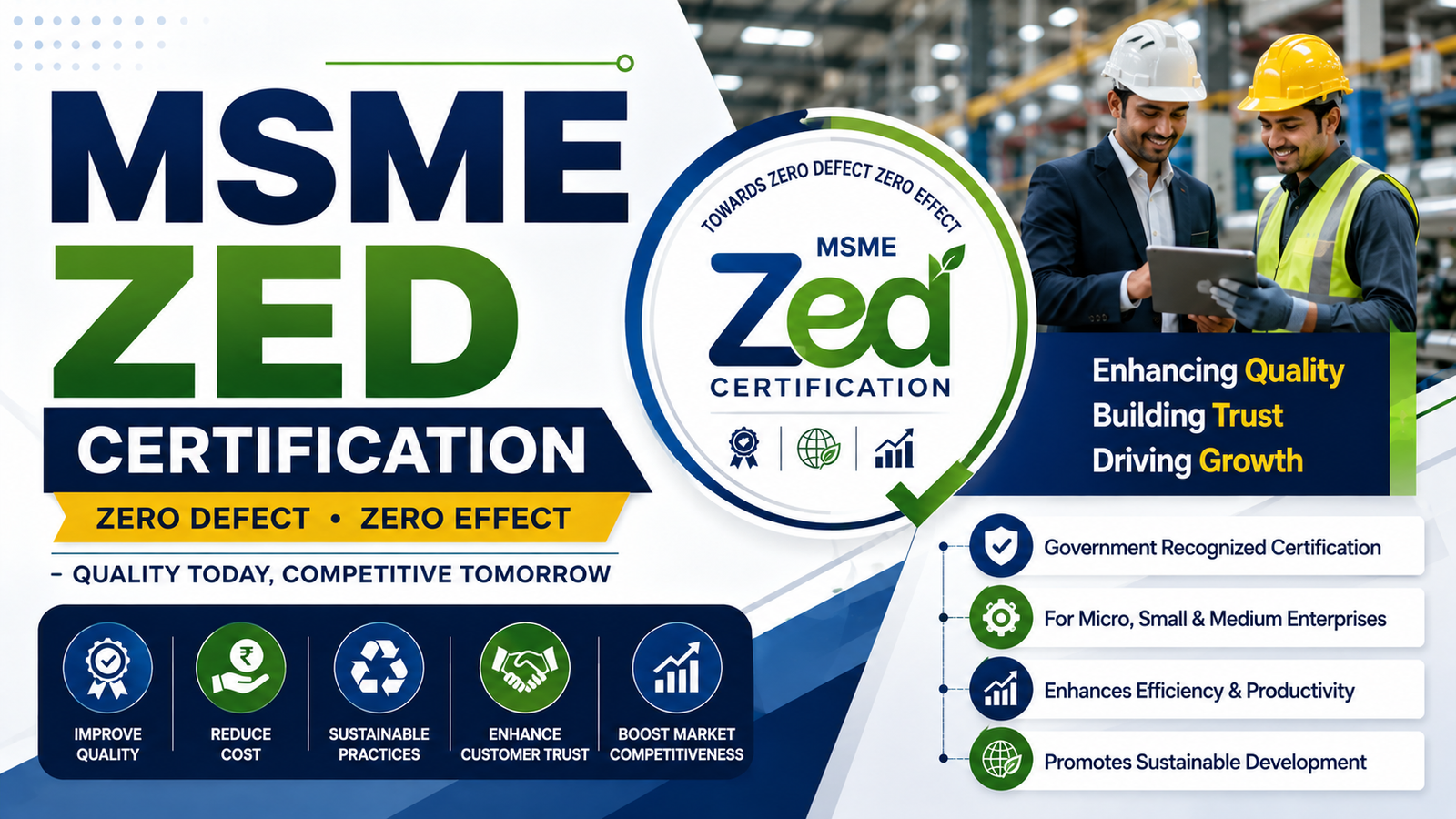
MSME ZED Certification | ZED Certificate | ZED Scheme
MSME ZED Certification is a government-backed initiative designed to encourage Micro, Small and Medium Enterprises to manufacture produ...
Read Full GuideChanged address, turnover, NIC code, bank, GSTIN, or contact details? Update your Udyam Registration certificate online. 100% free, paperless, OTP-verified — revised certificate available in 2–3 working days. Mandatory annual compliance update by 21 April 2026.
Moved office or factory to a new location.
Annual sales crossed category threshold — reclassification needed.
Added a new product line or changed primary business activity.
New mobile, email or contact person for the enterprise.
New machinery / equipment increased plant investment.
Mandatory annual update based on latest ITR / GST data.
Update Details in Udyam Certificate
MSME ZED Certification is a government-backed initiative designed to encourage Micro, Small and Medium Enterprises to manufacture produ...
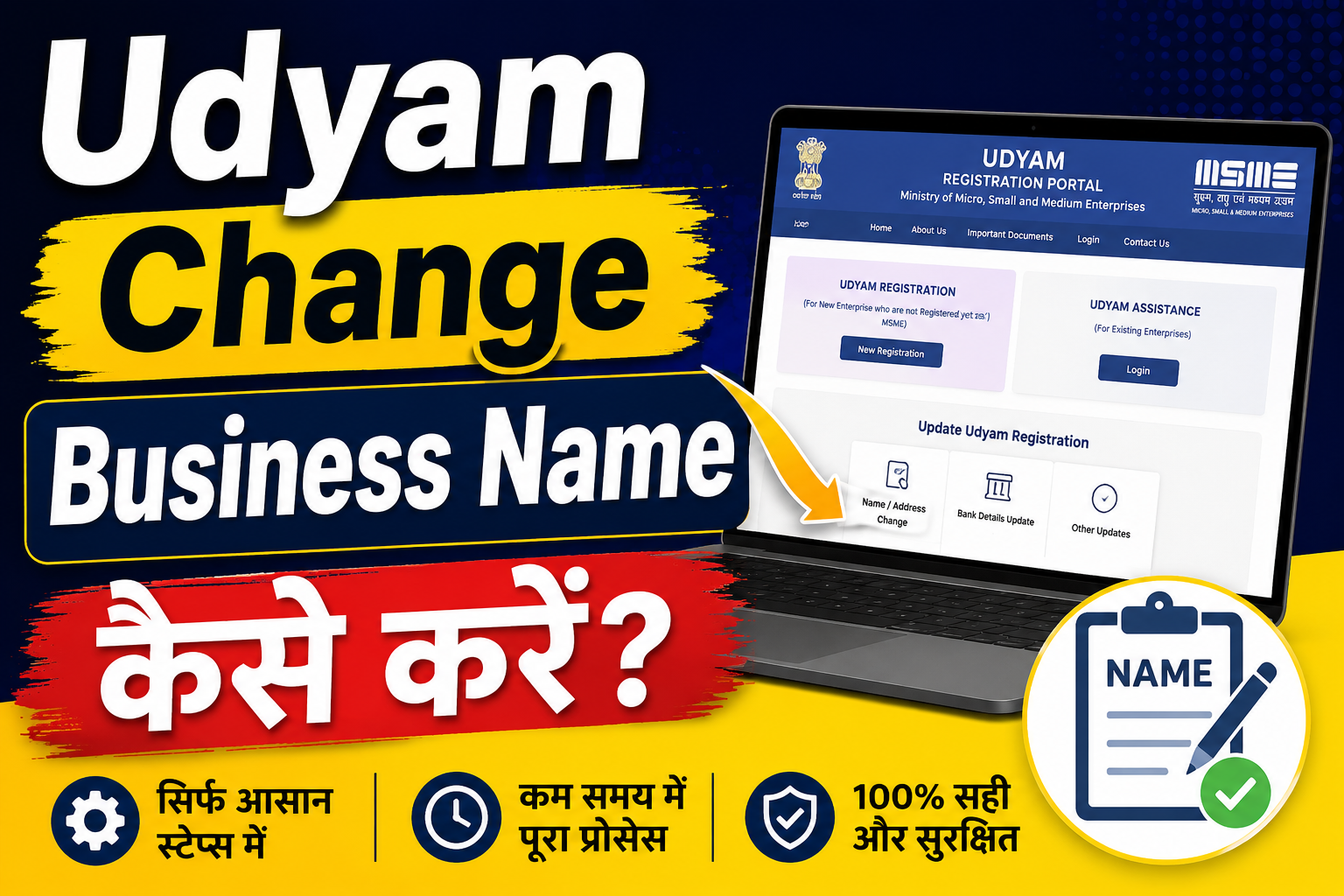
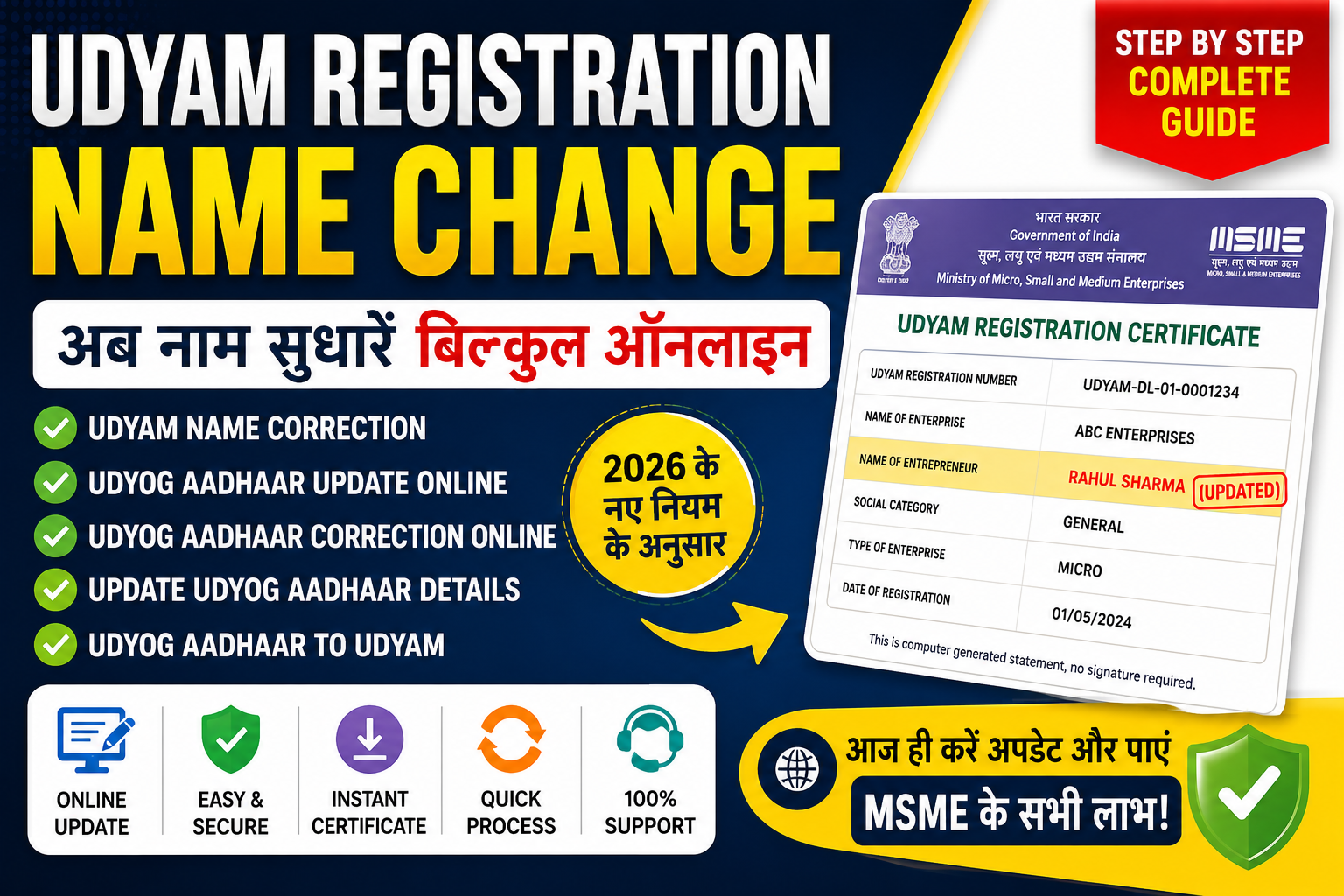
Read Full Guideयदि आपने Udyam Registration करवा लिया है लेकिन अब अपने व्यवसाय का नाम बदलना चाहते हैं, तो आपके मन में यह सवाल जरूर होगा कि Udyam Change...
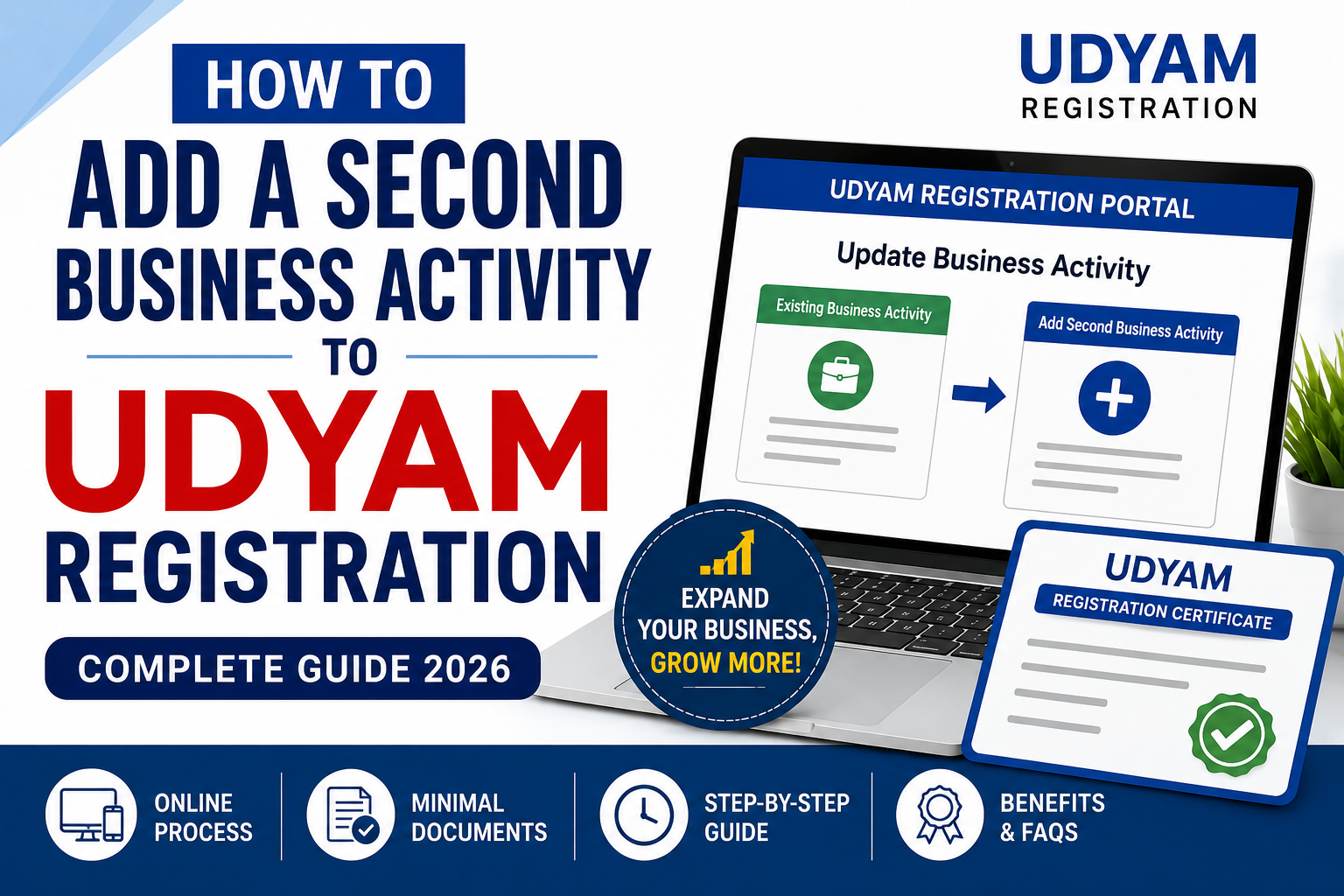
Read Full GuideIf you are an MSME owner and have recently expanded your business into a new line of work, you may need to Add a Second Business Activi...
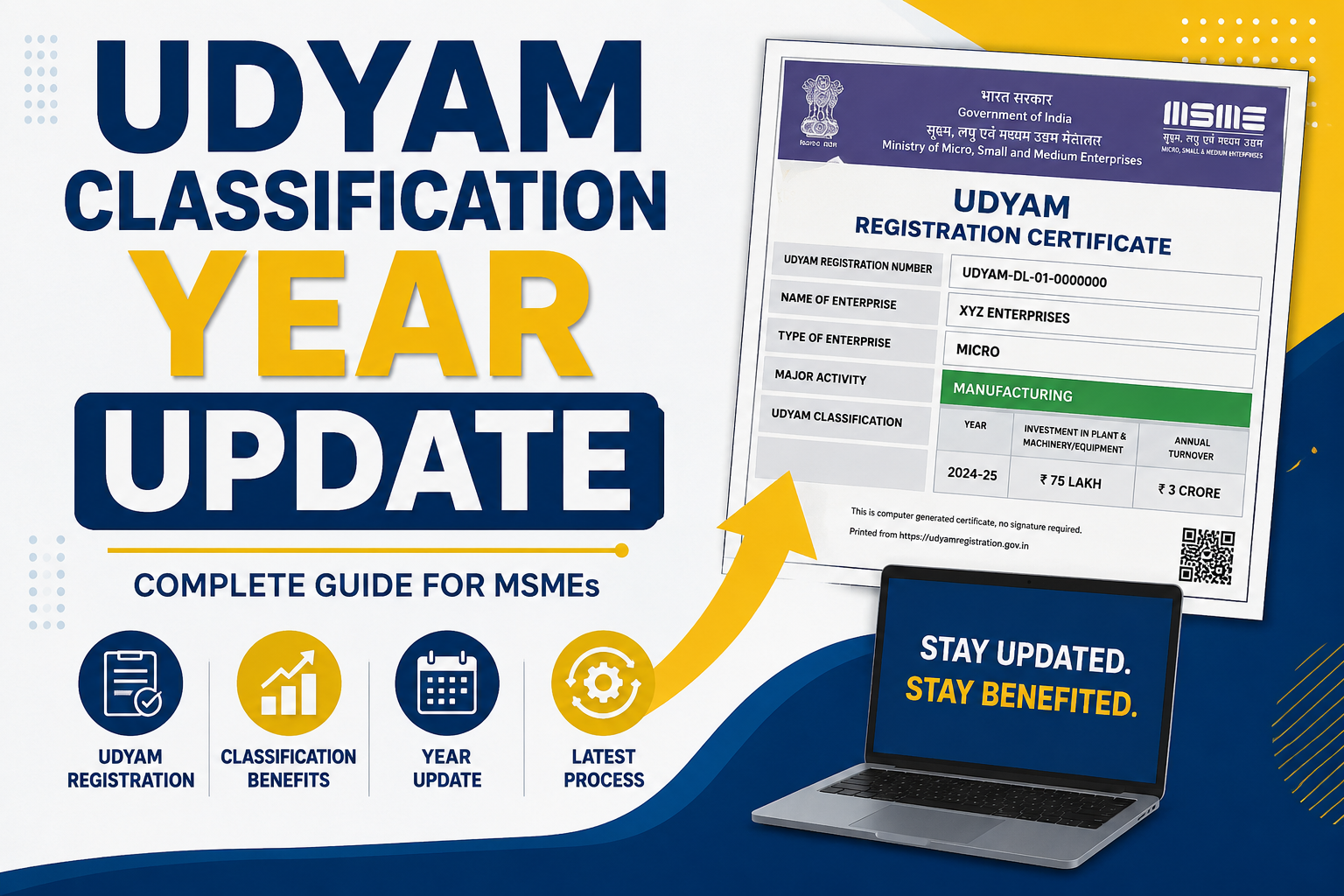
Read Full GuideUdyam Classification Year Update से क्या मतलब है? “Udyam Classification Year Update” या Udyam Update का मतलब है ...
Read Full Guideआज के डिजिटल दौर में भारत सरकार ने छोटे और मध्यम व्यवसायों (MSME) के लिए कई ऑनलाइन सुविधाएँ शुरू की हैं। इन्हीं में से एक महत्वपूर्ण सु...
Read Full Guideयदि आपने Udyam Registration करते समय अपना नाम, व्यवसाय का नाम, या अन्य जानकारी गलत दर्ज कर दी है, तो अब आप आसानी से Udyam Registration ...
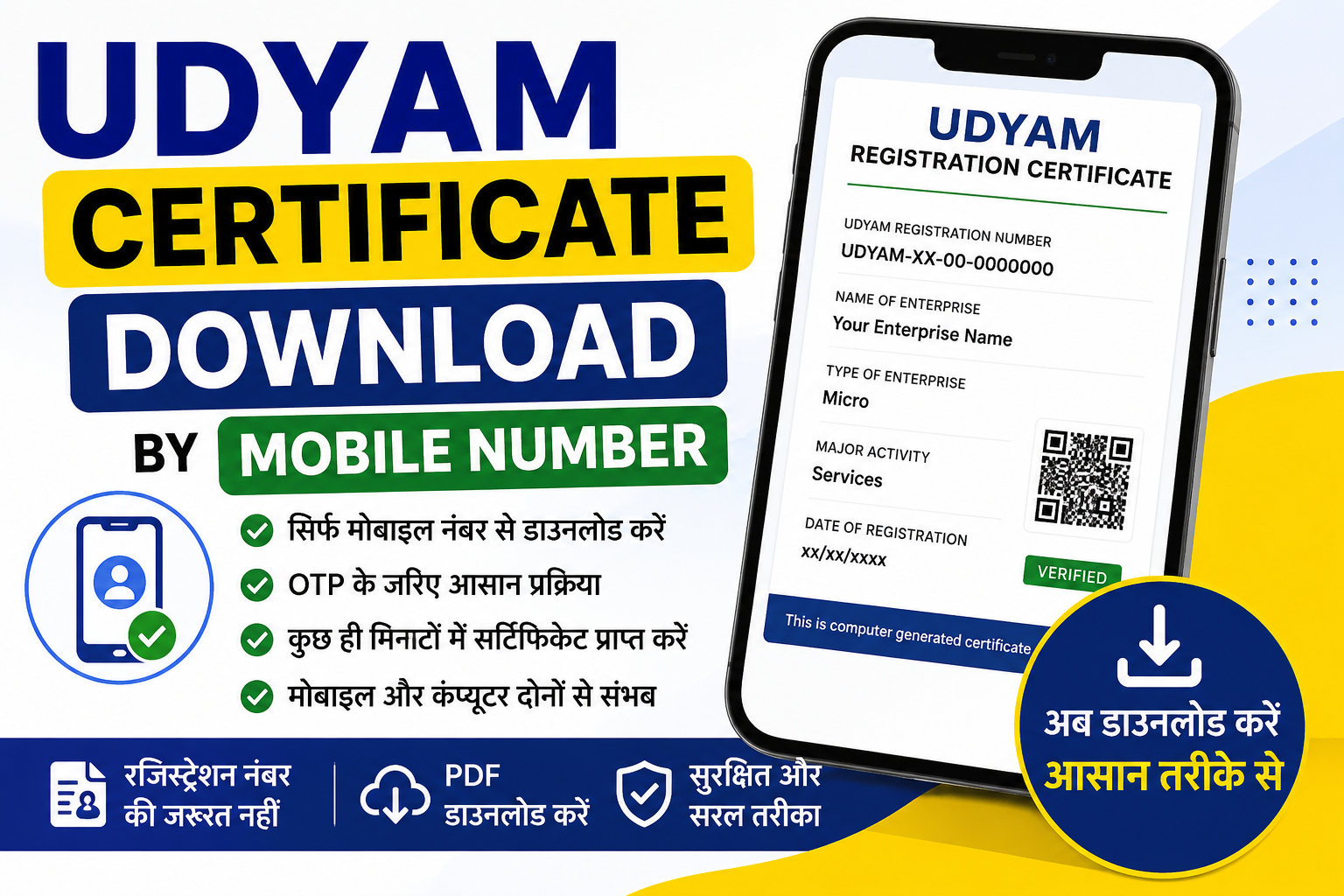
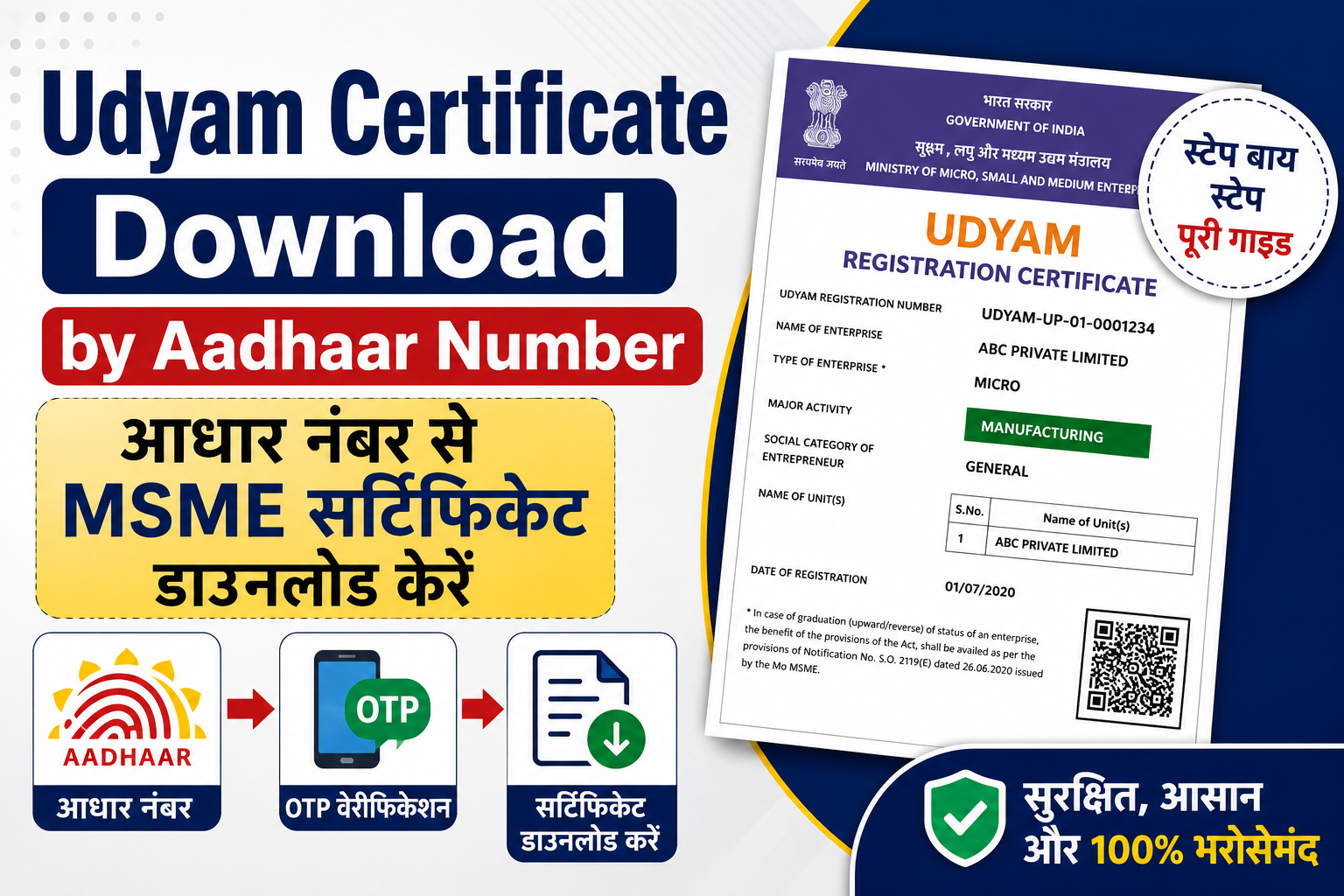
Read Full Guideयदि आपने अपने व्यवसाय के लिए MSME/Udyam Registration कराया है और अब अपना प्रमाणपत्र डाउनलोड करना चाहते हैं, तो यह लेख आपके लिए है। आज ल...
Read Full GuideContract Agreement Format: Complete Legal Templates & Drafting Guide 2026 Introduction to Contract Agreements in Indian Busine...
Read Full GuideCredit Guarantee Scheme for MSMEs: Complete Guide to CGTMSE 2026 Introduction to Credit Guarantee Schemes for Indian MSMEs in 2026...
Read Full GuideBusiness Loan Without Security: Collateral-Free Options for Indian SMEs Introduction: The Rise of ...
Read Full GuideLabour Registration in India: Complete Guide for Employers 2026 Introduction: Why Labour Registrat...
Read Full GuidePayment of Gratuity Act 1972: Complete Guide to Rules & Benefits Introduction to Payment of Gr...
Read Full GuideHow to Register a Proprietorship Firm in India: Complete Guide 2026 Introduction: Why Proprietorsh...
Read Full GuidePersonal Loan for Business Use in India: Complete Guide 2026 Introduction: Why Indian Entrepreneur...
Read Full GuideCustoms Duty in India: Complete Guide to Rates, Calculation & Updates Introduction to Customs ...
Read Full GuideGovernment e-Marketplace (GeM) Portal: Complete Registration & Procurement Guide Introduction ...
Read Full GuideBest Accounting Software for Indian Businesses: Complete Guide 2026 Why Indian Businesses Need Spe...
Read Full GuideStand Up India Scheme for SC/ST/Women Entrepreneurs: Complete Guide Introduction to Stand Up India...
Read Full GuideTop 15 Manufacturing Business Ideas in India for 2026: Low Investment Introduction: Manufacturing ...
Read Full GuideExcel Invoice Format for Business: Templates & Step-by-Step Guide Introduction: Why Excel Invo...
Read Full GuideGovernment Subsidies for Small Business in India: Complete Guide 2026 Introduction: Why Government...
Read Full GuideAffidavit Format for India: Complete Guide with Sample Templates What is an Affidavit and Why Do Y...
Read Full GuideStartup Loan in India: Complete Guide to Funding Options 2026 Introduction to Startup Funding Land...
Read Full GuideMinimum Wages in India 2026: State-wise Rates & Complete Guide Introduction: Why Minimum Wages...
Read Full GuideHow to Export from India: Complete Guide for Businesses 2026 Introduction to Export Business from ...
Read Full GuideSmall Scale Industries in India: Complete Guide to Registration & Benefits Small Scale Industr...
Read Full GuideTDS Return Filing Online: Complete Step-by-Step Guide for 2026 Introduction to TDS Return Filing i...
Read Full GuideHow to Register as a Flipkart Seller: Complete Guide for 2026 Introduction: Why Sell on Flipkart i...
Read Full GuideGST Invoice Format Rules 2026: Complete Guide with Templates Introduction: Why GST Invoice Format ...
Read Full GuideHow to Sell Online in India: Complete Business Setup Guide 2026 Why Selling Online in India is a M...
Read Full GuideTally Software for Indian Businesses: Complete Guide 2026 Introduction: Why Tally Software Dominat...
Read Full GuideIEC Registration Online: Complete Guide to Import Export Code 2026 Introduction to Import Export C...
Read Full GuideMake in India Initiative: Complete Guide to Benefits & Opportunities Introduction: Make in Ind...
Read Full GuideSkill India Digital Platform: Complete Registration Guide 2026 Introduction: Skill India Digital P...
Read Full GuideAmazon Seller Registration Complete Guide: How to Start Selling Introduction: Why Amazon Seller Re...
Read Full GuideHow to File ITR 1 Online: Complete Step-by-Step Guide 2026 Introduction: Why ITR 1 Filing is Criti...
Read Full GuideBusiness Plan Format for Indian Startups: Complete Template Guide Introduction: Why a Proper Busin...
Read Full GuideBusiness Loan for New Entrepreneurs: Complete 2026 Guide Why New Business Loans Are Critical for I...
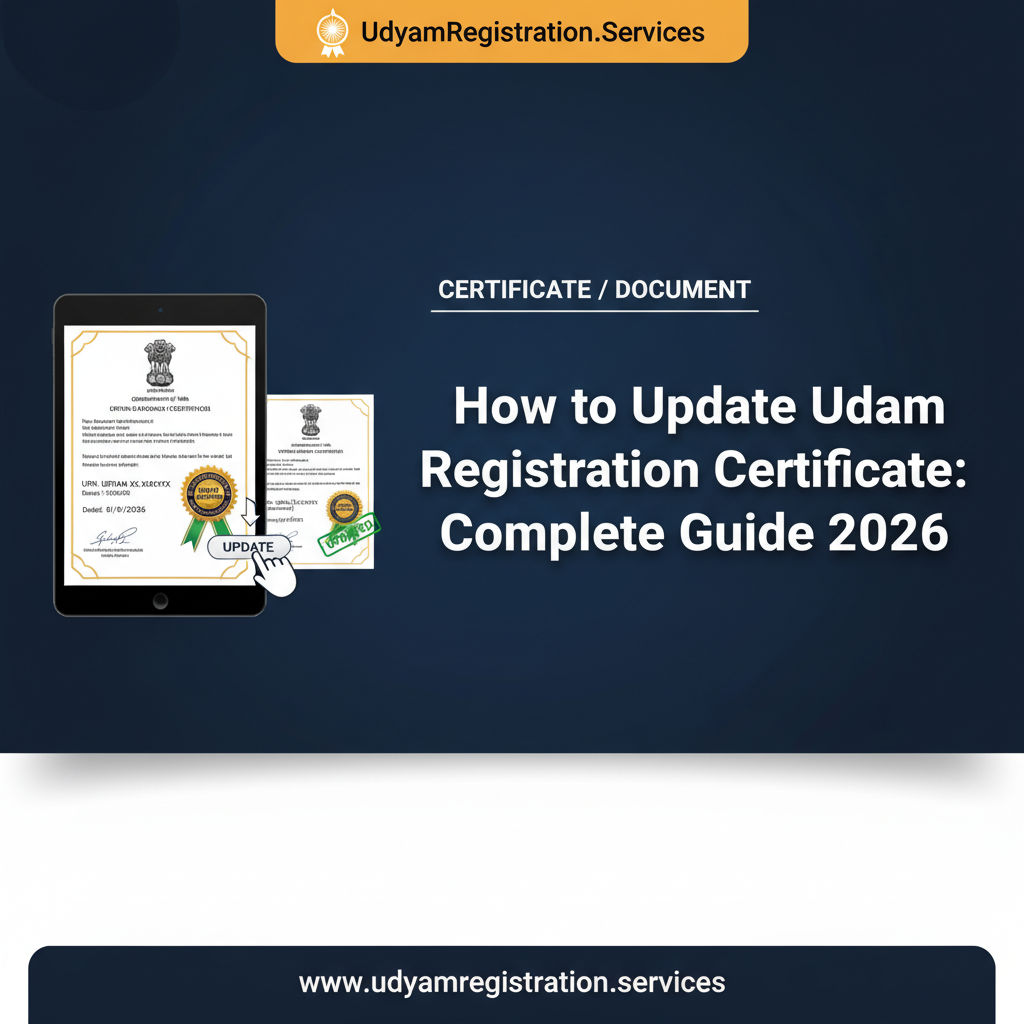
Read Full GuideHow to Update Udyam Registration Certificate: Complete Guide 2026 Introduction: Why Updating Your ...
Read Full GuideAn Udyam Certificate is the official MSME registration document issued by India's Ministry of Micro, Small & Medium Enterprises. It includes your enterprise name, 19-digit Udyam Registration Number (URN), registration date, NIC activity codes, PAN, and contact details — all stamped with a QR code and digital signature. This certificate is mandatory for accessing government credit schemes, subsidies, preferential procurement, CGTMSE loans, and priority-sector lending.
Because the Udyam system auto-classifies enterprises based on your latest financial year's turnover and investment, keeping details current is critical. Outdated or incorrect information can delay bank approvals, trigger tender rejections, or disqualify your business from MSME benefits altogether. For example, if turnover rises above the micro-level limit but you haven't updated, you risk either losing rightful benefits or wrongly claiming micro-enterprise preferences meant for smaller businesses.
Udyam Certificate update is 100% free, paperless, and OTP-verified. Your existing 19-digit URN stays the same — only the details on the certificate change. The revised e-certificate is available within 2–3 working days in your registered email and under 'Print Udyam Certificate' on the official portal.
The Ministry of MSME has mandated all registered enterprises to update and verify their Udyam certificate by 21 April 2026. This is an annual compliance requirement based on GST and ITR data. Non-compliance can suspend MSME benefits including Section 43B(h) protection, CGTMSE loans, and subsidies.
The Udyam portal allows modification of most operational details, but a few core identity fields are permanently locked once registered. Here is the complete breakdown:
Trigger an Udyam update whenever any of the following scenarios apply to your business. Each is a valid, accepted reason on the official update form:
Under the MSME Development Act, keeping your Udyam details current is legally and operationally mandatory. Missing the 21 April 2026 compliance deadline or failing to update material changes has serious consequences:
The Ministry of MSME has declared 21 April 2026 as the compliance update deadline. All enterprises must log in and verify or update their Udyam details. Failure results in suspension of all MSME benefits including subsidies, tenders, CGTMSE loans, and Section 43B(h) delayed-payment protection until the update is completed.
The complete online Udyam update process takes 10–15 minutes. Here is the exact step-by-step walkthrough:
On-screen confirmation appears immediately after submission. An email notification is sent when the revised certificate is ready. The updated certificate PDF is typically available within 2–3 working days. Your URN stays the same — only certificate details change. Save a screenshot of the confirmation for your records.
The Udyam update process on the portal itself is paperless — no document uploads are mandatory. However, keep the following information and proofs ready for a smooth experience:
UDYAM-XX-00-0000000).The government Udyam portal does not require uploads for most updates — it uses OTP verification + auto-fetched GST / ITR data. However, the Udyam system may cross-check declared figures against GST / ITR filings. Ensure your declared turnover, investment, address, and other fields align with these databases to avoid rejection or later suspension.
Choosing the correct action on the Udyam portal is critical. Using the wrong option can cause duplicate entries, rejection, or permanent loss of MSME benefits. Here is the decision matrix:
| Your Situation | Correct Action | Outcome |
|---|---|---|
| Business is active; only address / turnover / NIC / bank changed | Update Udyam Registration | Same URN retained, details refreshed |
| Need to add new NIC activity codes to existing URN | Update Udyam Registration | Multiple NIC codes attached under one URN |
| Turnover / investment changed within MSME limits | Update Udyam Registration | Auto-reclassification if threshold crossed; same URN |
| You hold only an old UAM / Udyog Aadhaar / EM-II (pre-July 2020) | Udyam Re-Registration (UAM Migration) | New Udyam URN issued; MSME history preserved |
| URN suspended due to missed annual compliance | Update & Reactivate | Active status restored after verification |
| Business sold to new owner with a different PAN | Cancel old + New registration under new PAN | Old URN cancelled; fresh URN for new legal entity |
| Business permanently closed | Cancel Udyam Registration | URN permanently deactivated |
| Exceeded medium-enterprise limits permanently | Cancel Udyam Registration | Enterprise exits MSME classification officially |
| Duplicate URN on same PAN | Cancel the duplicate, retain the correct one | Clean single URN remains active |
| Not sure which one? | Default to Update — it preserves your URN and history. Or consult our experts for free. | |
Udyam update works the same way for every supported entity type. The form fields, process, and processing timeline are identical — only the authorised signatory varies. Our expert-assisted update supports:
UDYAM-XX-00-0000000).All existing Udyam holders must log in, verify, and update details against latest ITR / GST data. Non-compliance triggers automatic suspension of MSME status until the update is completed.
Portal now auto-fetches existing registration details after OTP login — users only edit changed fields rather than re-entering everything. Processing time stable at 2–3 working days.
New classification: Micro ≤ ₹2.5 Cr / ₹10 Cr, Small ≤ ₹25 Cr / ₹100 Cr, Medium ≤ ₹125 Cr / ₹500 Cr. Many enterprises must update to the new category via Udyam update.
Up-to-date Udyam status is critical for enforcing 45-day payment rules. Buyers can challenge delayed-payment claims if your Udyam data is stale or suspended.
Relaxed-documentation variant launched. Informal units can also update via the same portal workflow once onboarded.
Udyam officially allowed multiple NIC codes under a single URN via the update workflow — a major improvement over single-activity UAM.
Ministry of MSME launched udyamregistration.gov.in replacing UAM. The portal included a dedicated update / edit workflow from day one alongside new registration, re-registration, and cancellation.
Dive deeper into every aspect of Udyam update with our expert-written 2026 guides:
How to Update Udyam Registration Certificate: Complete Guide 2026 Introduction: Why Updating Your ...
How to Update Udyam Registration Certificate: Complete Guide 2026 Introduction: Why Updating Your ...
How to Update Udyam Registration Certificate: Complete Guide 2026 Introduction: Why Updating Your ...
How to Update Udyam Registration Certificate: Complete Guide 2026 Introduction: Why Updating Your ...
How to Update Udyam Registration Certificate: Complete Guide 2026 Introduction: Why Updating Your ...
How to Update Udyam Registration Certificate: Complete Guide 2026 Introduction: Why Updating Your ...
How to Update Udyam Registration Certificate: Complete Guide 2026 Introduction: Why Updating Your ...
How to Update Udyam Registration Certificate: Complete Guide 2026 Introduction: Why Updating Your ...
How to Update Udyam Registration Certificate: Complete Guide 2026 Introduction: Why Updating Your ...
How to Update Udyam Registration Certificate: Complete Guide 2026 Introduction: Why Updating Your ...
How to Update Udyam Registration Certificate: Complete Guide 2026 Introduction: Why Updating Your ...
How to Update Udyam Registration Certificate: Complete Guide 2026 Introduction: Why Updating Your ...
How to Update Udyam Registration Certificate: Complete Guide 2026 Introduction: Why Updating Your ...
How to Update Udyam Registration Certificate: Complete Guide 2026 Introduction: Why Updating Your ...
How to Update Udyam Registration Certificate: Complete Guide 2026 Introduction: Why Updating Your ...
How to Update Udyam Registration Certificate: Complete Guide 2026 Introduction: Why Updating Your ...
How to Update Udyam Registration Certificate: Complete Guide 2026 Introduction: Why Updating Your ...
How to Update Udyam Registration Certificate: Complete Guide 2026 Introduction: Why Updating Your ...
How to Update Udyam Registration Certificate: Complete Guide 2026 Introduction: Why Updating Your ...
How to Update Udyam Registration Certificate: Complete Guide 2026 Introduction: Why Updating Your ...
How to Update Udyam Registration Certificate: Complete Guide 2026 Introduction: Why Updating Your ...
How to Update Udyam Registration Certificate: Complete Guide 2026 Introduction: Why Updating Your ...
How to Update Udyam Registration Certificate: Complete Guide 2026 Introduction: Why Updating Your ...
How to Update Udyam Registration Certificate: Complete Guide 2026 Introduction: Why Updating Your ...
How to Update Udyam Registration Certificate: Complete Guide 2026 Introduction: Why Updating Your ...
How to Update Udyam Registration Certificate: Complete Guide 2026 Introduction: Why Updating Your ...
How to Update Udyam Registration Certificate: Complete Guide 2026 Introduction: Why Updating Your ...
How to Update Udyam Registration Certificate: Complete Guide 2026 Introduction: Why Updating Your ...
How to Update Udyam Registration Certificate: Complete Guide 2026 Introduction: Why Updating Your ...
How to Update Udyam Registration Certificate: Complete Guide 2026 Introduction: Why Updating Your ...
How to Update Udyam Registration Certificate: Complete Guide 2026 Introduction: Why Updating Your ...
How to Update Udyam Registration Certificate: Complete Guide 2026 Introduction: Why Updating Your ...
How to Update Udyam Registration Certificate: Complete Guide 2026 Introduction: Why Updating Your ...
How to Update Udyam Registration Certificate: Complete Guide 2026 Introduction: Why Updating Your ...
How to Update Udyam Registration Certificate: Complete Guide 2026 Introduction: Why Updating Your ...
How to Update Udyam Registration Certificate: Complete Guide 2026 Introduction: Why Updating Your ...
How to Update Udyam Registration Certificate: Complete Guide 2026 Introduction: Why Updating Your ...
How to Update Udyam Registration Certificate: Complete Guide 2026 Introduction: Why Updating Your ...
How to Update Udyam Registration Certificate: Complete Guide 2026 Introduction: Why Updating Your ...
How to Update Udyam Registration Certificate: Complete Guide 2026 Introduction: Why Updating Your ...
How to Update Udyam Registration Certificate: Complete Guide 2026 Introduction: Why Updating Your ...
The 20 most common questions about Udyam update in 2026, answered with the latest rules. Tap any question to expand.