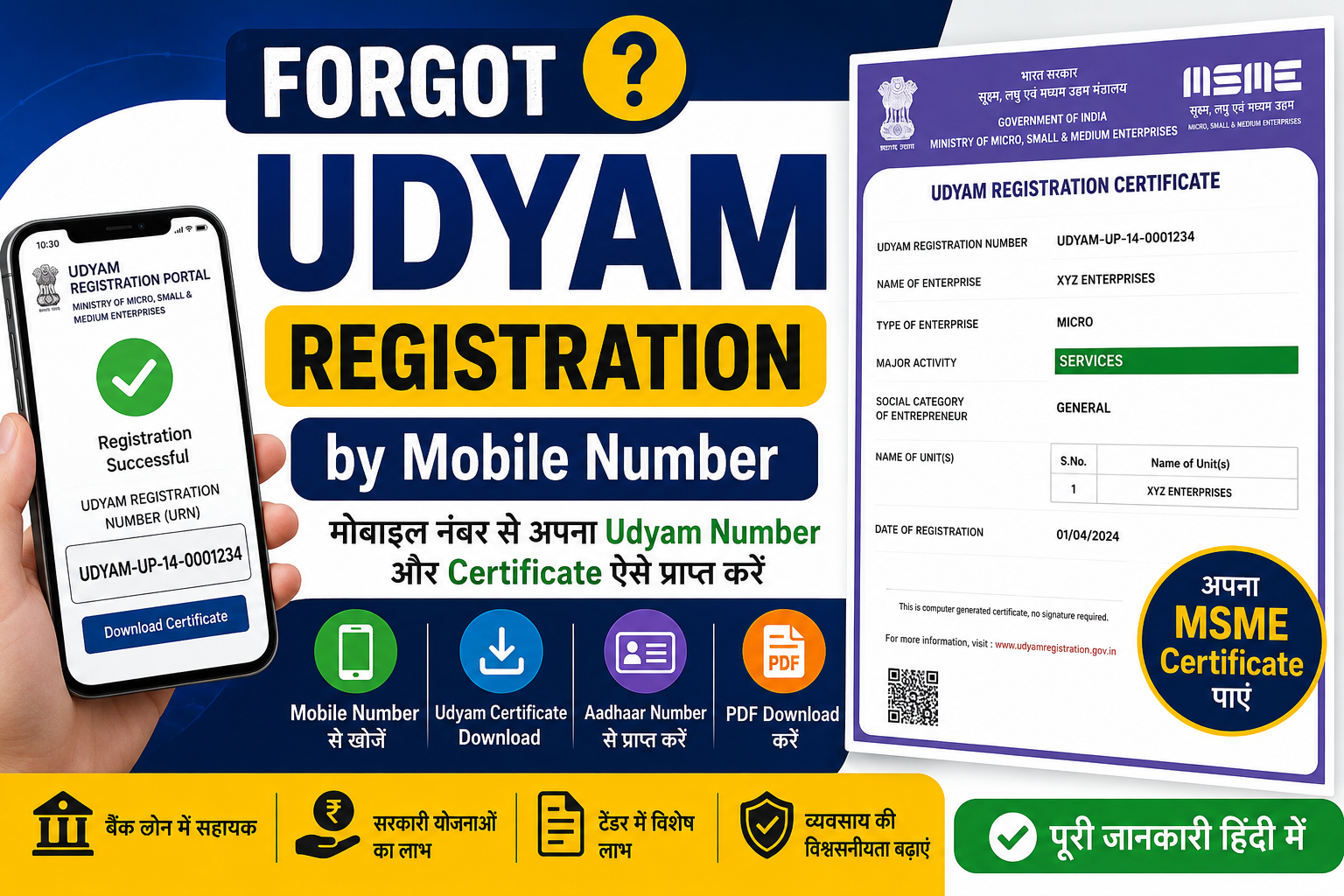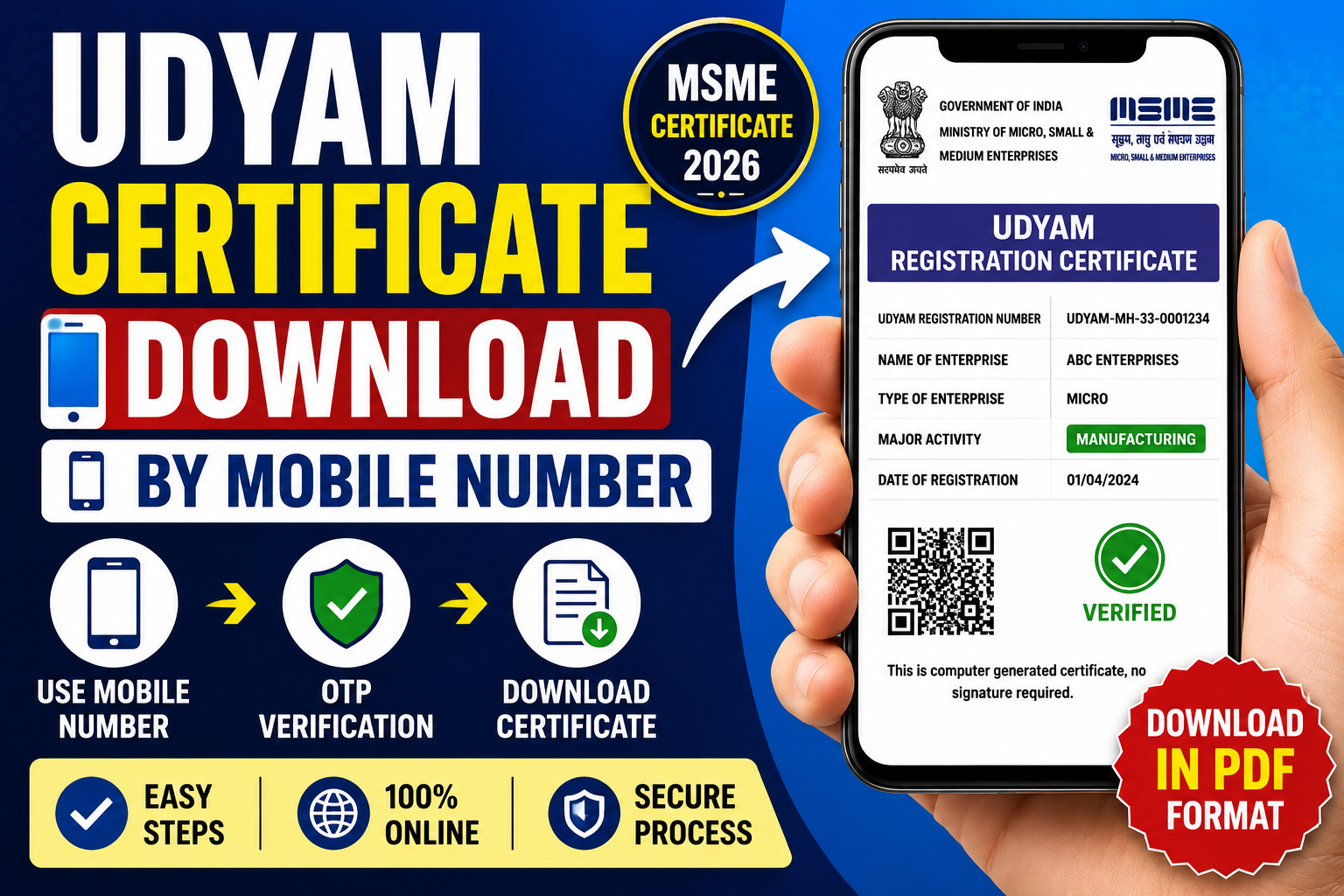
The Udyam Certificate Download by Mobile Number process is one of the most searched topics among MSME owners in India. After completing Udyam Registration, many business owners often need to download their certificate for bank loans, government tenders, subsidies, GST registration, business verification, and various MSME benefits. However, many entrepreneurs lose their Udyam Registration Number and look for alternative ways to access their certificate using their registered mobile number.
The Government of India has made the Udyam Registration Portal completely digital, allowing micro, small, and medium enterprises (MSMEs) to manage their registration details online. If your mobile number is linked with your Udyam Registration account, you can retrieve important information and download your certificate through the official portal.
In this detailed guide, we will explain everything about Udyam certificate download by mobile number, eligibility requirements, step-by-step procedures, common issues, solutions, benefits of the certificate, and frequently asked questions.
What is Udyam Registration?
Udyam Registration is the official registration process introduced by the Ministry of MSME, Government of India. It provides recognition to Micro, Small, and Medium Enterprises operating across various sectors.
The registration system replaced the older Udyog Aadhaar Memorandum (UAM) system and offers a simplified online process for business owners.
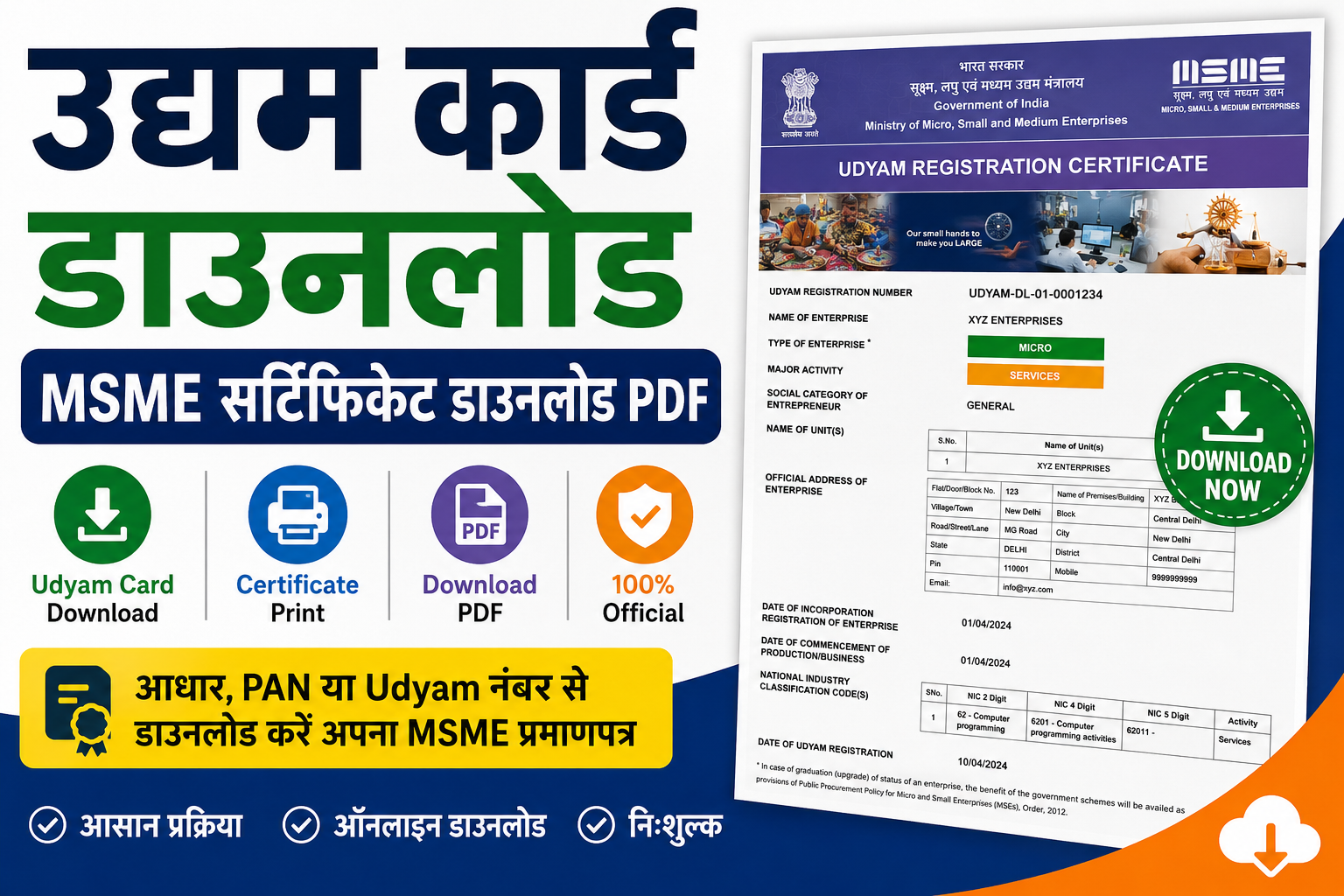
After successful registration, businesses receive an Udyam Registration Certificate, which contains:
- Udyam Registration Number (URN)
- Enterprise Name
- Business Type
- Date of Registration
- Enterprise Classification
- QR Code for Verification
- Owner Details
This certificate serves as official proof that the business is registered under the MSME category.
Why Download the Udyam Certificate?
An Udyam Certificate is required for various business-related activities. Some major uses include:
1. Bank Loan Applications
Many banks require an MSME certificate while processing business loans and working capital loans.
2. Government Tenders
MSMEs receive special benefits and exemptions in government tenders.
3. Subsidies and Schemes
The certificate helps businesses access government subsidy programs and financial assistance.
4. Credit Guarantee Benefits
Registered MSMEs can avail themselves of benefits under various credit guarantee schemes.
5. Business Verification
The certificate acts as proof of business registration.
6. Tax and Regulatory Compliance
Several regulatory procedures require MSME registration proof.
Can You Download Udyam Certificate by Mobile Number?
Yes, in many cases, you can retrieve your Udyam Registration details using the registered mobile number linked to your Aadhaar and Udyam Registration.
The mobile number helps in:
- OTP verification
- Retrieving registration details
- Recovering forgotten registration numbers
- Accessing certificate download services
However, the mobile number must be the same as the one registered during the Udyam Registration process.
Requirements for Udyam Certificate Download by Mobile Number
Before starting the process, keep the following details ready:
Registered Mobile Number
The mobile number linked with your Udyam Registration.
Aadhaar Number
The Aadhaar number used during registration.
Internet Connection
A stable internet connection for OTP verification.
Access to OTP
You must be able to receive OTPs on the registered mobile number.
Step-by-Step Process to Download Udyam Certificate by Mobile Number
Step 1: Visit the Official Udyam Portal
Open the official Udyam Registration portal in your browser.
Navigate to the certificate download or print section.
Step 2: Select Certificate Download Option
Choose the option related to:
- Print Certificate
- Verify Registration
- Download Udyam Certificate
Depending on portal updates, the naming may vary.
Step 3: Enter Mobile Number
Provide the mobile number registered during Udyam Registration.
Ensure the number is entered correctly.
Step 4: Enter Additional Details
You may be asked to enter:
- Aadhaar Number
- Udyam Registration Number
- Verification Code
Fill in all required information accurately.
Step 5: OTP Verification
An OTP will be sent to your registered mobile number.
Enter the OTP in the provided field.
Step 6: Access Registration Details
After successful verification, the system retrieves your registration details.
Verify the information displayed on the screen.
Step 7: Download the Certificate
Click on the download button.
The certificate will be generated in PDF format.
Save it on your device for future use.
How to Download Udyam Certificate Without Registration Number?
Many users forget their Udyam Registration Number. In such cases:
Use Mobile Number Recovery
The registered mobile number can help recover registration details.
Use Aadhaar Verification
The portal may allow Aadhaar-based verification.
OTP Authentication
OTP verification confirms your identity.
Retrieve Registration Information
After verification, the portal may display your registration number.
You can then proceed with certificate download.
Benefits of Udyam Registration Certificate
Easy Access to Government Schemes
Registered businesses can apply for various MSME schemes.
Lower Interest Rates
Financial institutions may provide favorable loan terms.
Protection Against Delayed Payments
MSMEs receive protection under MSME regulations.
Participation in Government Procurement
Special opportunities are available for MSME businesses.
Market Expansion
Government support programs help businesses grow.
Subsidy Eligibility
Businesses can access subsidies and reimbursement programs.
Common Problems During Udyam Certificate Download
Many users face issues while downloading their certificate.
Problem 1: OTP Not Received
Reasons
- Network issues
- Incorrect mobile number
- DND settings
Solution
- Wait a few minutes
- Check mobile network
- Retry OTP request
Problem 2: Mobile Number Not Registered
Reasons
- Different mobile number used during registration
- Incorrect entry
Solution
Use the original registered mobile number.
Problem 3: Aadhaar Mismatch
Reasons
- Incorrect Aadhaar details
- Data entry errors
Solution
Enter the exact Aadhaar information used during registration.
Problem 4: Certificate Not Opening
Reasons
- Browser issues
- PDF reader problems
Solution
Download the file again and use a PDF reader.
Problem 5: Website Loading Issues
Reasons
- Server maintenance
- High traffic
Solution
Try again after some time.
How to Recover Lost Udyam Registration Number?
If you have forgotten your registration number:
Method 1: Mobile Number Verification
Use your registered mobile number to retrieve registration details.
Method 2: Aadhaar-Based Recovery
Verify using Aadhaar and OTP.
Method 3: Email Recovery
Check the email received at the time of registration.
Method 4: Registration Documents
Review earlier downloaded certificates or business records.
Information Available on Udyam Certificate
The certificate generally contains:
- Enterprise Name
- Registration Number
- Registration Date
- Business Address
- Enterprise Type
- Aadhaar Details
- QR Code
- Verification Information
This information helps authorities verify MSME status.
Importance of Keeping Udyam Certificate Safe
Business owners should maintain multiple copies of the certificate.
Recommended methods include:
Digital Backup
Store PDF copies on:
-
Computer
-
Mobile phone
-
Cloud storage
Printed Copy
Keep a printed version in office records.
Email Backup
Email the certificate to yourself for quick access.
Udyam Certificate Verification Process
Verification is useful when:
- Applying for loans
- Participating in tenders
- Business partnerships
- Vendor registration
The QR code on the certificate allows quick authentication.
Difference Between Udyam Registration Number and Certificate
| Udyam Registration Number | Udyam Certificate |
|---|---|
| Unique identification number | Official registration document |
| Used for tracking | Used as proof |
| Required for portal access | Required for business activities |
| Generated after registration | Issued after successful registration |
Both are important for MSME compliance.
Who Can Download Udyam Certificate?
The following entities can download the certificate:
- Proprietorship Firms
- Partnership Firms
- Limited Liability Partnerships (LLPs)
- Private Limited Companies
- Public Limited Companies
- Hindu Undivided Families (HUFs)
- Cooperative Societies
- Trusts and Associations
Provided they have completed Udyam Registration.
Advantages of Digital Udyam Certificate
The digital certificate offers several benefits:
Instant Access
Available anytime online.
Paperless Process
No physical paperwork required.
Secure Verification
QR code ensures authenticity.
Easy Sharing
Can be emailed instantly.
Government Recognition
Official proof of MSME registration.
Udyam Registration Renewal: Is It Required?
One of the major advantages of Udyam Registration is that it generally does not require annual renewal.
However, businesses should:
- Update business details when necessary
- Maintain accurate turnover information
- Ensure PAN and GST details remain updated
Tips for Smooth Udyam Certificate Download
Follow these best practices:
Use Correct Mobile Number
Always use the registered mobile number.
Keep Aadhaar Ready
Aadhaar verification is often required.
Maintain Email Access
Important notifications may be sent via email.
Save Multiple Copies
Keep digital and printed backups.
Verify Details Carefully
Ensure all information is accurate before downloading.
Frequently Asked Questions (FAQs)
1. Can I download Udyam Certificate using only my mobile number?
Yes, if the mobile number is registered with your Udyam account and OTP verification is successful.
2. What if I forgot my Udyam Registration Number?
You can retrieve it using Aadhaar and the registered mobile number through the recovery process.
4. Can I download the certificate multiple times?
Yes, there is usually no restriction on downloading the certificate again.
5. Can I use a different mobile number?
No. OTP verification generally requires the mobile number registered during Udyam Registration.
6. Is the PDF certificate valid?
Yes, the downloaded PDF certificate is valid and accepted by banks, government departments, and other institutions.
7. What should I do if OTP is not received?
Check network connectivity, verify the mobile number, and try again after some time.
8. Is a printed certificate necessary?
Not always, but keeping a printed copy is recommended for documentation purposes.
9. Can I verify my certificate online?
Yes, certificate verification options are available through official channels.
10. Does the certificate expire?
Udyam Registration generally remains valid unless canceled or modified according to applicable regulations.
Conclusion
The Udyam Certificate Download by Mobile Number process provides a convenient way for MSME owners to access their registration certificate online. Whether you have misplaced your registration number or simply need another copy of the certificate, the registered mobile number and OTP verification system make retrieval quick and secure.
Keeping your Udyam Certificate readily available is important for loans, government schemes, tenders, tax compliance, and overall business growth. Always ensure that your mobile number, Aadhaar details, and registration information are updated and accessible. By following the steps outlined in this guide, you can easily download, verify, and manage your Udyam Certificate whenever required.