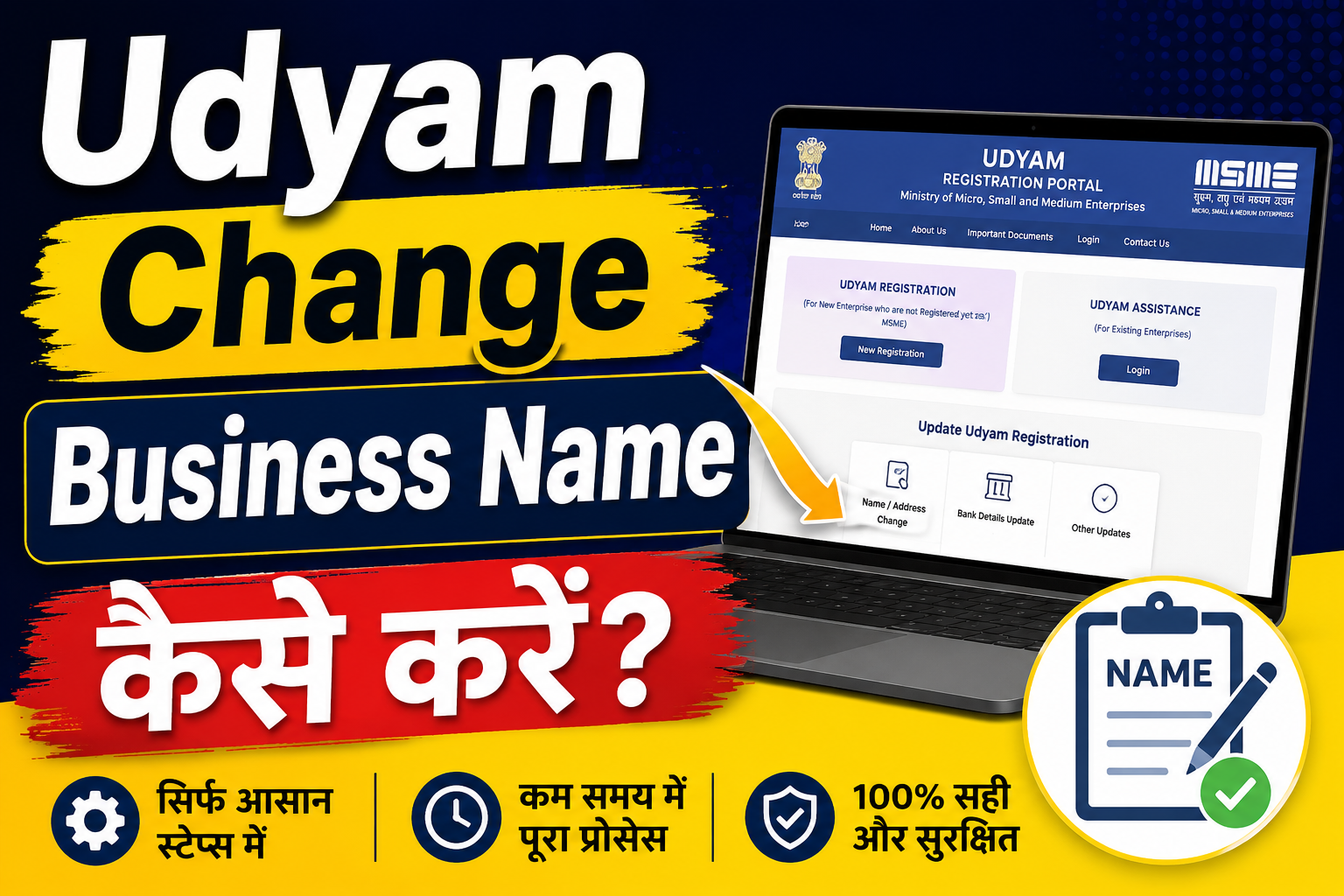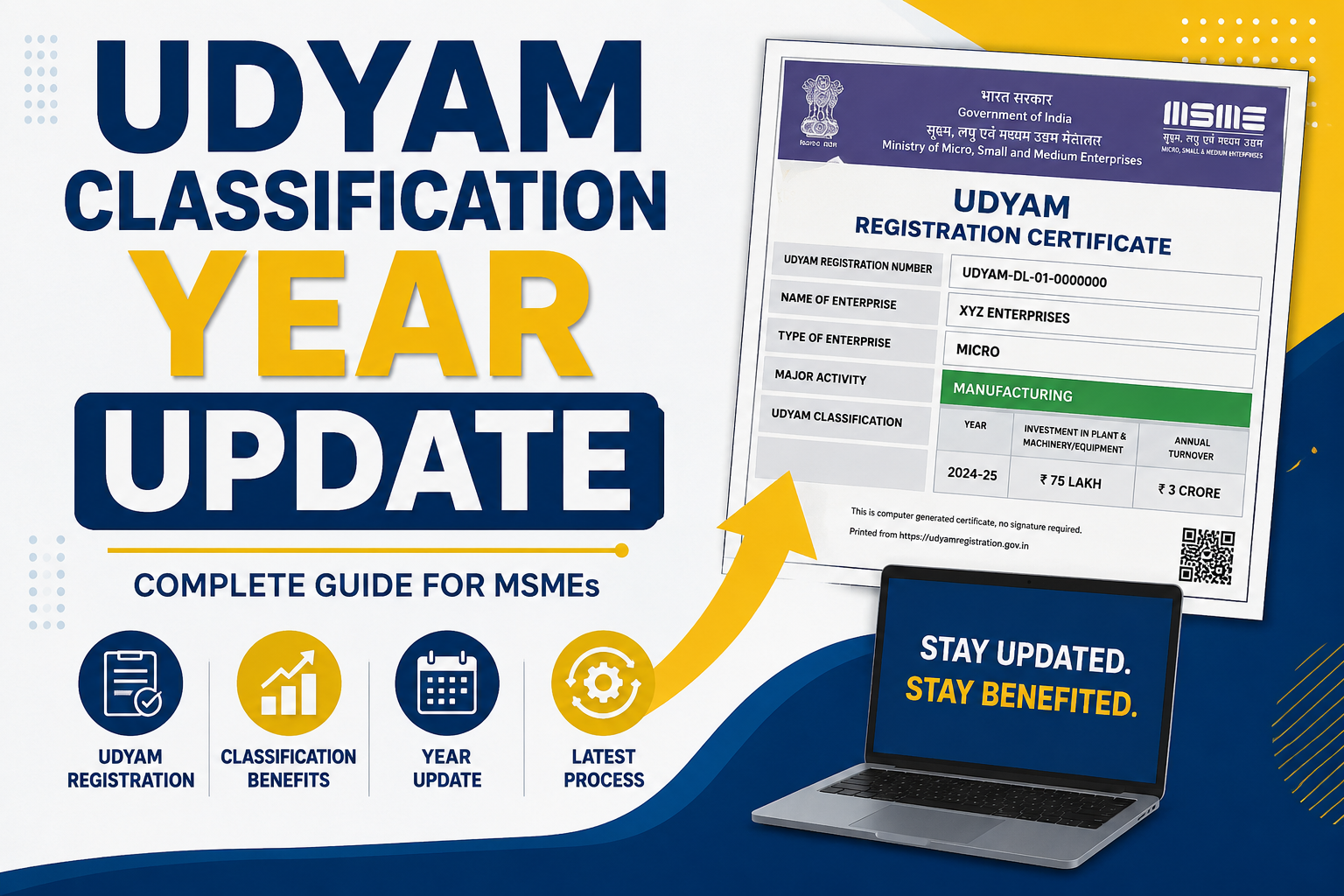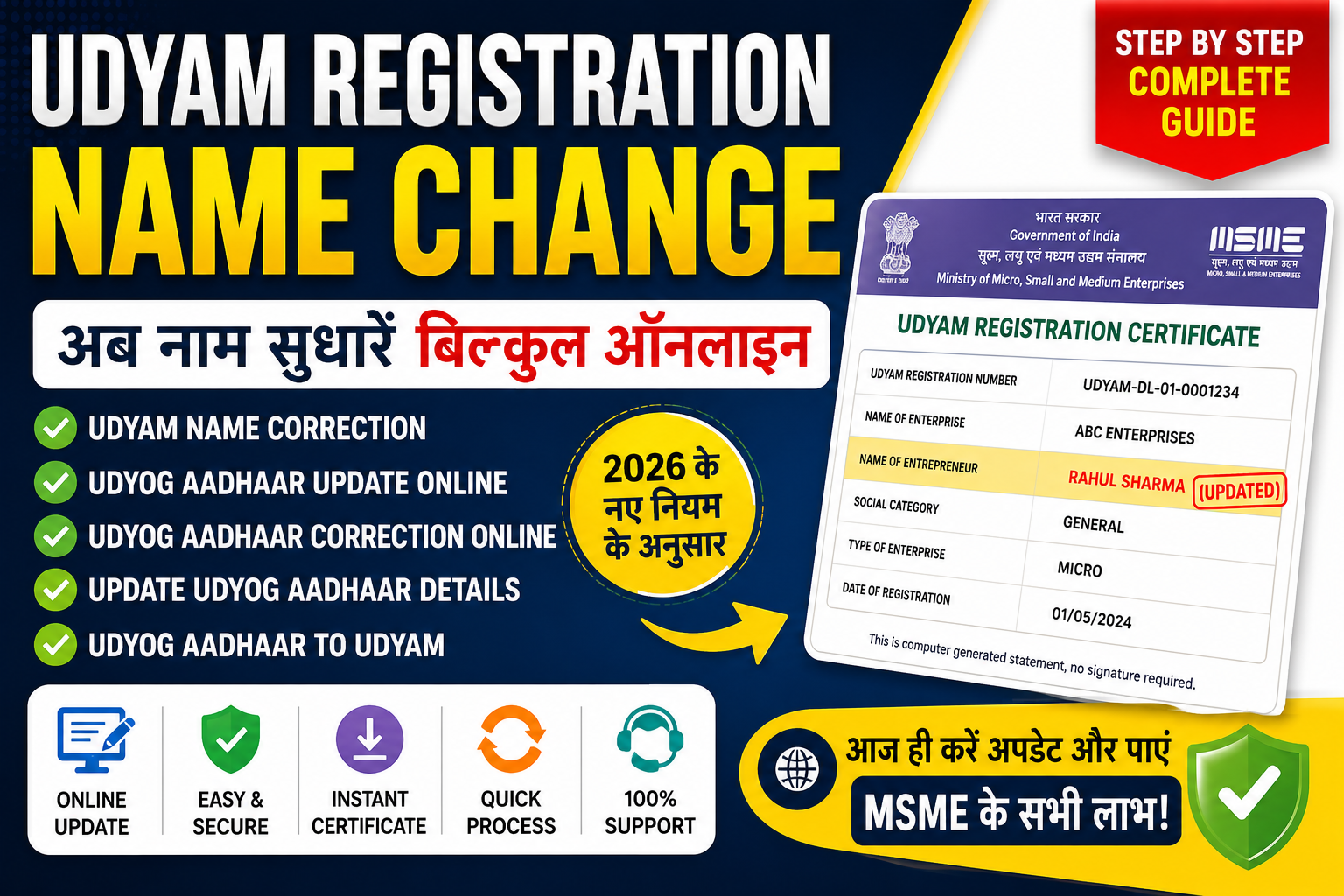
If you are an MSME owner and have recently expanded your business into a new line of work, you may need to Add a Second Business Activity to Udyam Registration. Many entrepreneurs start with one business activity and later diversify into manufacturing, trading, services, exports, consultancy, e-commerce, or other sectors. To keep your business records accurate and compliant, updating your Udyam Registration with the additional activity is essential.
The Government of India introduced the Udyam Registration system to simplify the registration process for Micro, Small, and Medium Enterprises (MSMEs). The registration provides businesses with access to various government schemes, subsidies, loans, and incentives. However, whenever there is a significant change in business operations, such as adding a new activity, the Udyam details should be updated.
In this detailed guide, we will explain everything about how to Add a Second Business Activity to Udyam, eligibility requirements, benefits, required documents, step-by-step process, common mistakes, FAQs, and much more.
What is Udyam Registration?
Udyam Registration is the official registration process for MSMEs in India. It was introduced by the Ministry of Micro, Small and Medium Enterprises to replace the older Udyog Aadhaar system to Udyam Registration Portal.
The registration provides a unique Udyam Registration Number (URN) and a digital certificate to eligible enterprises.
Benefits of Udyam Registration
- Easier access to bank loans
- Lower interest rates on MSME loans
- Eligibility for government tenders
- Protection against delayed payments
- Subsidies on patent and trademark registration
- Tax and financial benefits
- Priority sector lending benefits
- Support under MSME development schemes
What Does "Add a Second Business Activity to Udyam" Mean?
A business activity refers to the primary nature of operations carried out by an enterprise.
Examples include:
Manufacturing Activities
- Food processing
- Textile manufacturing
- Furniture production
- Electronics manufacturing
Service Activities
- Digital marketing
- IT services
- Consultancy
- Training services
Trading Activities
- Wholesale trading
- Retail trading
- E-commerce sales
When an MSME starts a new line of business in addition to its existing operations, it may need to update its Udyam Registration by adding the second business activity.
For example:
| Existing Activity | New Activity |
|---|---|
| Food Manufacturing | Food Delivery Service |
| Software Development | Digital Marketing |
| Textile Manufacturing | Online Retail |
| Consultancy Services | Training Institute |
Why Should You Add a Second Business Activity to Udyam?
Keeping Udyam details updated offers multiple advantages.
1. Accurate Business Information
Government records should reflect your actual business operations.
2. MSME Scheme Eligibility
Many government schemes are activity-specific. Updating your registration helps ensure eligibility.
3. Better Loan Approval
Banks and NBFCs often review business activities before approving loans.
4. Tender Participation
Some tenders require enterprises to be registered under specific activities.
5. Compliance Benefits
Maintaining updated records reduces compliance-related issues.
Who Can Add a Second Business Activity?
The following entities can update their Udyam Registration:
- Proprietorship Firms
- Partnership Firms
- Limited Liability Partnerships (LLPs)
- Private Limited Companies
- One Person Companies (OPCs)
- Hindu Undivided Families (HUFs)
- Cooperative Societies
- Trusts involved in eligible activities
When Should You Add a Second Business Activity?
You should update your Udyam Registration if:
- You start a new service business.
- You begin manufacturing new products.
- You expand into trading activities.
- You launch an e-commerce business.
- You diversify operations significantly.
- Your GST registration reflects additional activities.
Documents Required to Add a Second Business Activity to Udyam
Generally, the update process is simple and requires minimal documentation.
Essential Information
- Udyam Registration Number
- Aadhaar Number of Applicant
- Registered Mobile Number
- Business Details
- New Business Activity Information
- PAN Details
- GST Details (if applicable)
Additional Supporting Documents (if required)
- Business Address Proof
- Partnership Deed
- Incorporation Certificate
- GST Certificate
- Business Activity Description
Types of Business Activities Allowed in Udyam
Manufacturing
Manufacturing includes businesses involved in producing goods.
Examples:
- Food Processing
- Garment Manufacturing
- Furniture Manufacturing
- Chemical Production
- Plastic Products
Services
Service-based enterprises offer professional or commercial services.
Examples:
- IT Services
- Consultancy
- Education Services
- Healthcare Services
- Marketing Services
Trading
Trading activities are now recognized under MSME benefits in several areas.
Examples:
- Wholesale Trading
- Retail Trading
- Online Selling
- Import-Export Trading
Step-by-Step Process to Add a Second Business Activity to Udyam
Step 1: Visit the Udyam Registration Portal
Open the Udyam Registration portal.
Step 2: Select Update Option
Choose the option to update or modify existing Udyam details.
Step 3: Enter Registration Details
Provide:
- Udyam Registration Number
- Registered Mobile Number
Verify using OTP.
Step 4: Access Existing Registration
After successful verification, your current Udyam profile will appear.
Step 5: Edit Business Activities
Locate the business activity section.
Add the new activity under:
- Manufacturing
- Services
- Trading
as applicable.
Step 6: Verify Information
Review all entered details carefully.
Check:
- Activity descriptions
- Business category
- GST details
- Contact information
Step 7: Submit Update Request
Submit the modification request.
Step 8: OTP Verification
Authenticate the update using OTP verification.
Step 9: Receive Updated Certificate
After successful submission, the updated information will reflect in your Udyam profile.
How Long Does the Update Process Take?
In most cases:
| Activity | Estimated Time |
|---|---|
| Submission | 10-15 Minutes |
| Verification | Immediate |
| Update Reflection | 24-72 Hours |
Processing time may vary depending on system verification requirements.
Common Mistakes While Adding a Second Business Activity
1. Selecting Incorrect Activity
Always choose the activity that accurately matches your operations.
2. Using Incomplete Descriptions
Provide a clear description of the new business activity.
3. Mismatch with GST Details
Ensure GST records align with your business activities.
4. Wrong Mobile Number
OTP verification requires access to the registered mobile number.
5. Not Updating PAN Information
PAN details should remain accurate and consistent.
Can You Add Multiple Business Activities?
Yes.
An enterprise can have:
- One primary activity
- Multiple secondary activities
Many businesses operate under mixed models such as:
- Manufacturing + Trading
- Services + E-commerce
- Manufacturing + Consultancy
- Trading + Export Services
The Udyam Registration system allows such combinations where applicable.
Impact on MSME Classification
Adding a second activity does not automatically change MSME classification.
Classification is based on:
Investment in Plant & Machinery or Equipment
and
Annual Turnover
Current MSME Classification:
| Category | Investment Limit | Turnover Limit |
|---|---|---|
| Micro Enterprise | Up to ₹2.5 Crore | Up to ₹10 Crore |
| Small Enterprise | Up to ₹25 Crore | Up to ₹100 Crore |
| Medium Enterprise | Up to ₹125 Crore | Up to ₹500 Crore |
If the new activity increases turnover significantly, classification may change accordingly.
Benefits of Updating Business Activities in Udyam
Improved Credibility
Updated records improve trust among banks, clients, and government agencies.
Better Financing Opportunities
Financial institutions can evaluate business operations more accurately.
Access to More Government Schemes
Some schemes are designed for specific sectors.
Easier Tender Qualification
Government tenders often require matching business activities.
Future Expansion Support
Updated registrations support smoother business growth.
Add a Second Business Activity to Udyam for E-Commerce Businesses
Many MSMEs are expanding online.
Examples:
- Retail Store + Online Selling
- Manufacturer + Amazon Seller
- Service Provider + Digital Products
Updating the Udyam profile helps align government records with actual operations.
Add a Second Business Activity to Udyam for Export Businesses
Exporters often diversify into:
- Manufacturing
- Trading
- Consulting
- International Services
Updating Udyam details may help while applying for export-related incentives and schemes.
Can the Update Be Done Online?
Yes.
The entire process can typically be completed online through the Udyam portal without visiting any government office.
The portal supports:
- Registration updates
- Business activity modifications
- Contact detail changes
- Certificate updates
How to Verify Updated Business Activity?
After updating:
- Log in to your Udyam account.
- Check enterprise details.
- Verify the newly added activity.
- Download the updated certificate if available.
Maintain a copy for future reference.
Best Practices Before Updating Udyam Registration
Review GST Registration
Ensure GST records reflect the new activity.
Update Business Documents
Keep company documents updated.
Maintain Financial Records
Separate accounting records help during compliance checks.
Verify Industry Classification
Choose the correct industry category.
Save Supporting Documents
Keep evidence of business expansion for future verification.
Frequently Asked Questions (FAQs)
1. Can I add a second business activity in Udyam Registration?
Yes, existing Udyam holders can update their registration to include additional business activities.
2. Is adding a second activity mandatory?
It is recommended whenever business operations expand significantly.
3. Can manufacturing and services be added together?
Yes, eligible enterprises can have both activities.
4. Will my Udyam number change?
No, the existing Udyam Registration Number generally remains the same.
5. Can I add more than two activities?
Yes, multiple business activities can be included where applicable.
6. Is GST mandatory for updating activities?
GST requirements depend on the nature and scale of the business.
7. How long does the update take?
Usually within a few days after successful submission.
8. Can LLPs update business activities?
Yes.
9. Can private limited companies update activities?
Yes.
10. Does activity addition affect MSME benefits?
No, but it may improve eligibility for certain schemes.
Conclusion
Adding a second business activity to Udyam is an important step for MSMEs that are expanding their operations. Whether you are moving into manufacturing, services, trading, e-commerce, or exports, keeping your Udyam Registration updated ensures accurate government records, better access to MSME benefits, smoother loan approvals, and improved eligibility for government schemes.
By following the correct process and maintaining updated documentation, entrepreneurs can continue growing their businesses while remaining compliant with MSME regulations. If your enterprise has diversified into a new line of business, now is the right time to Add a Second Business Activity to Udyam and ensure your registration reflects your current business operations.