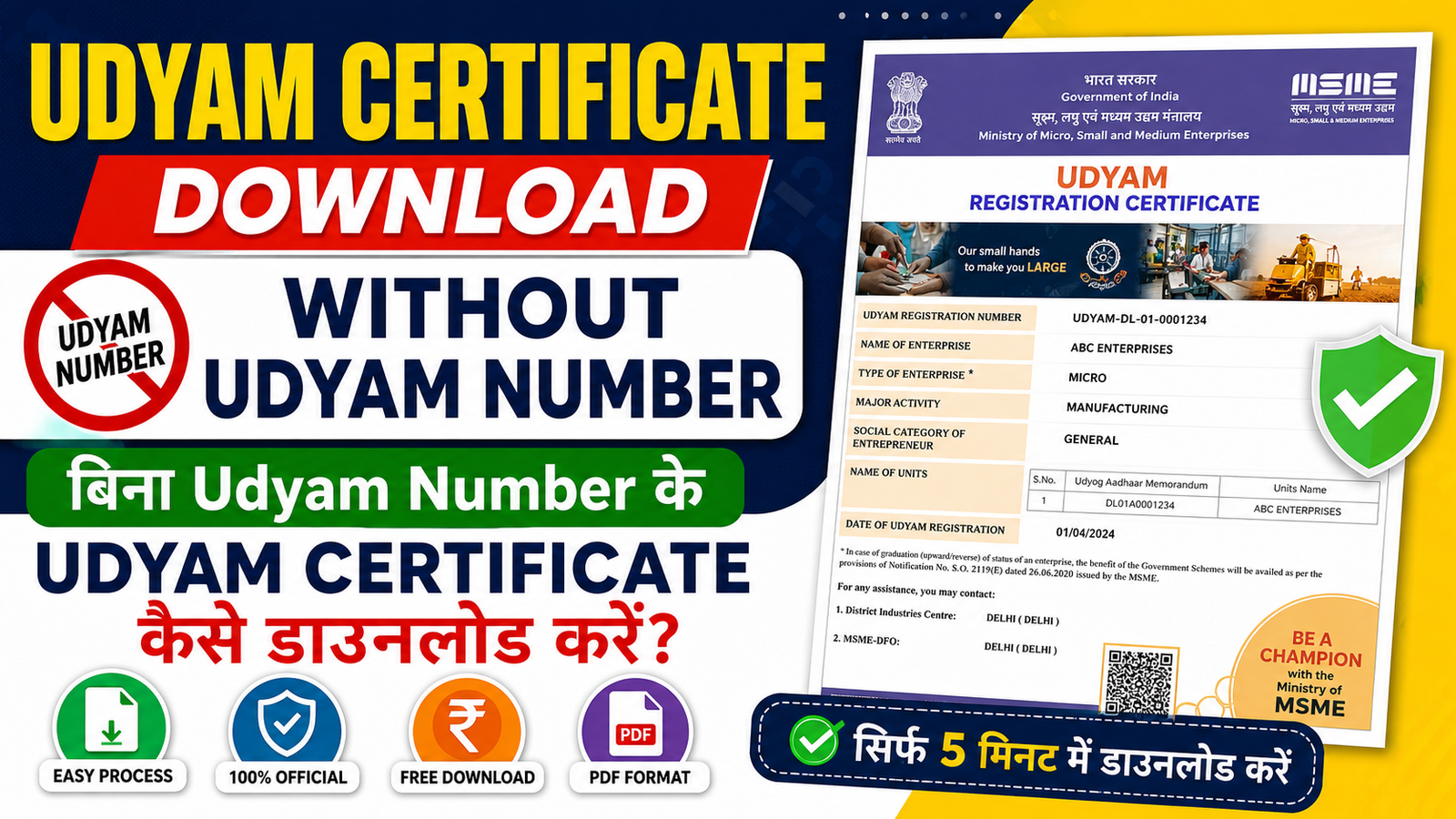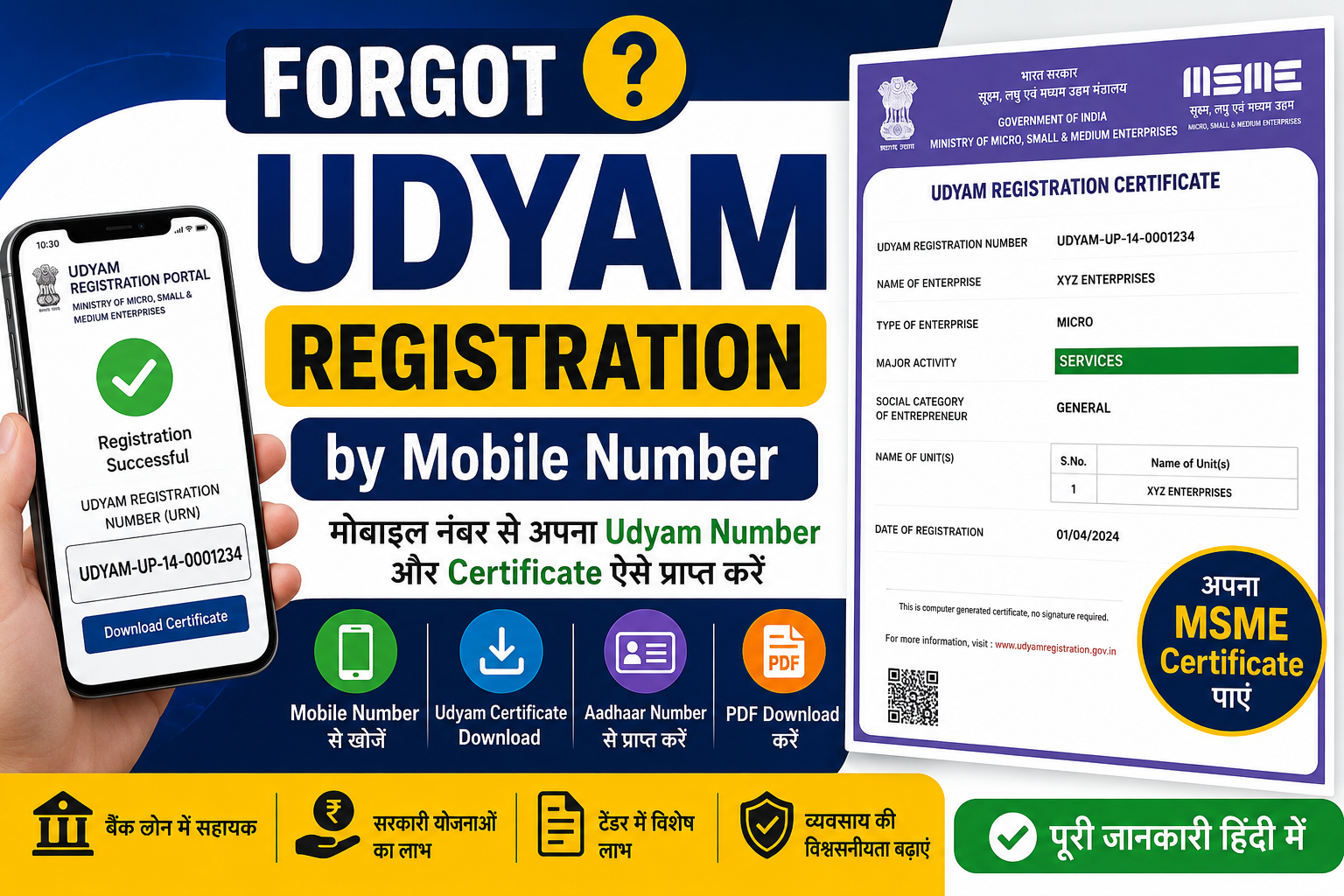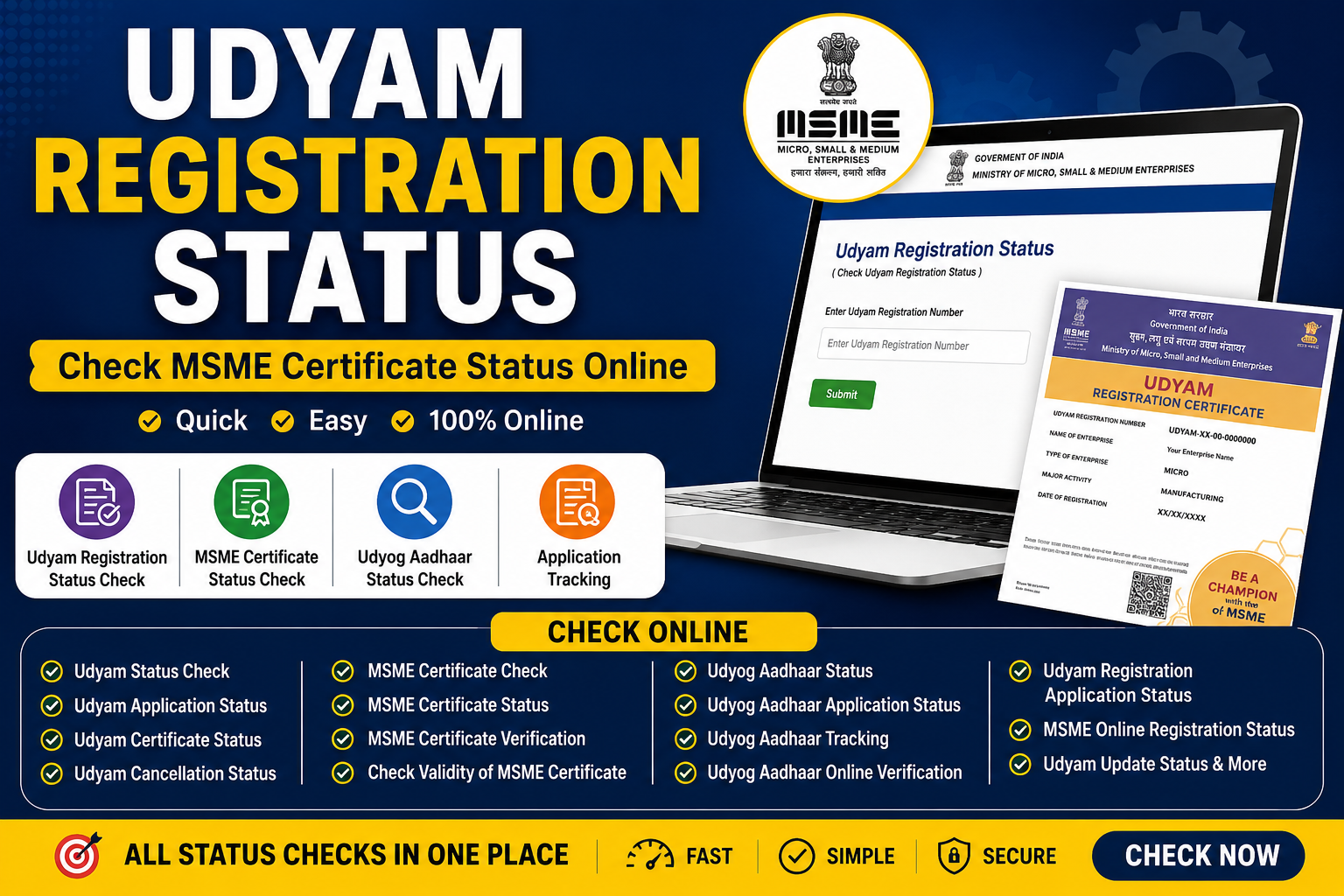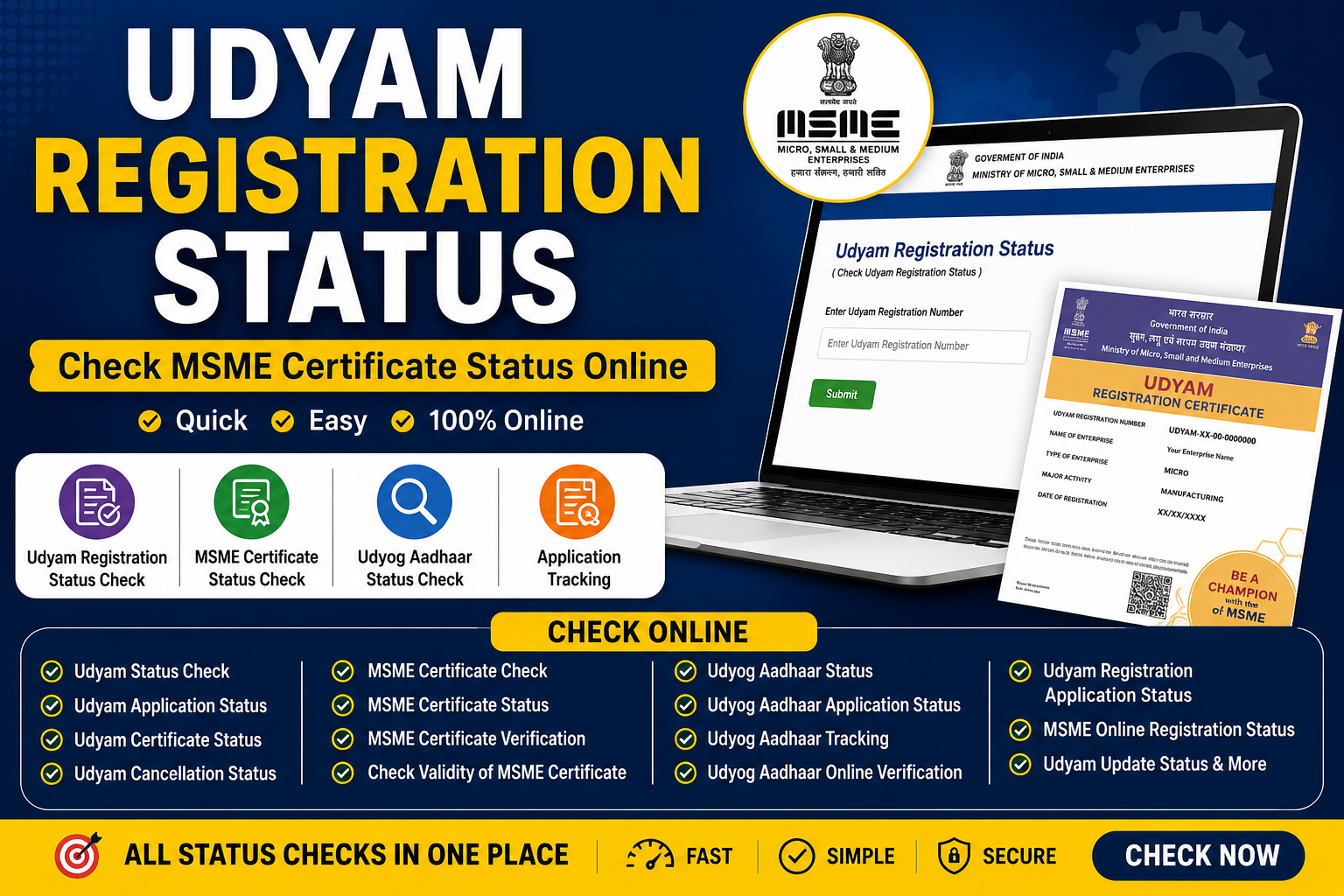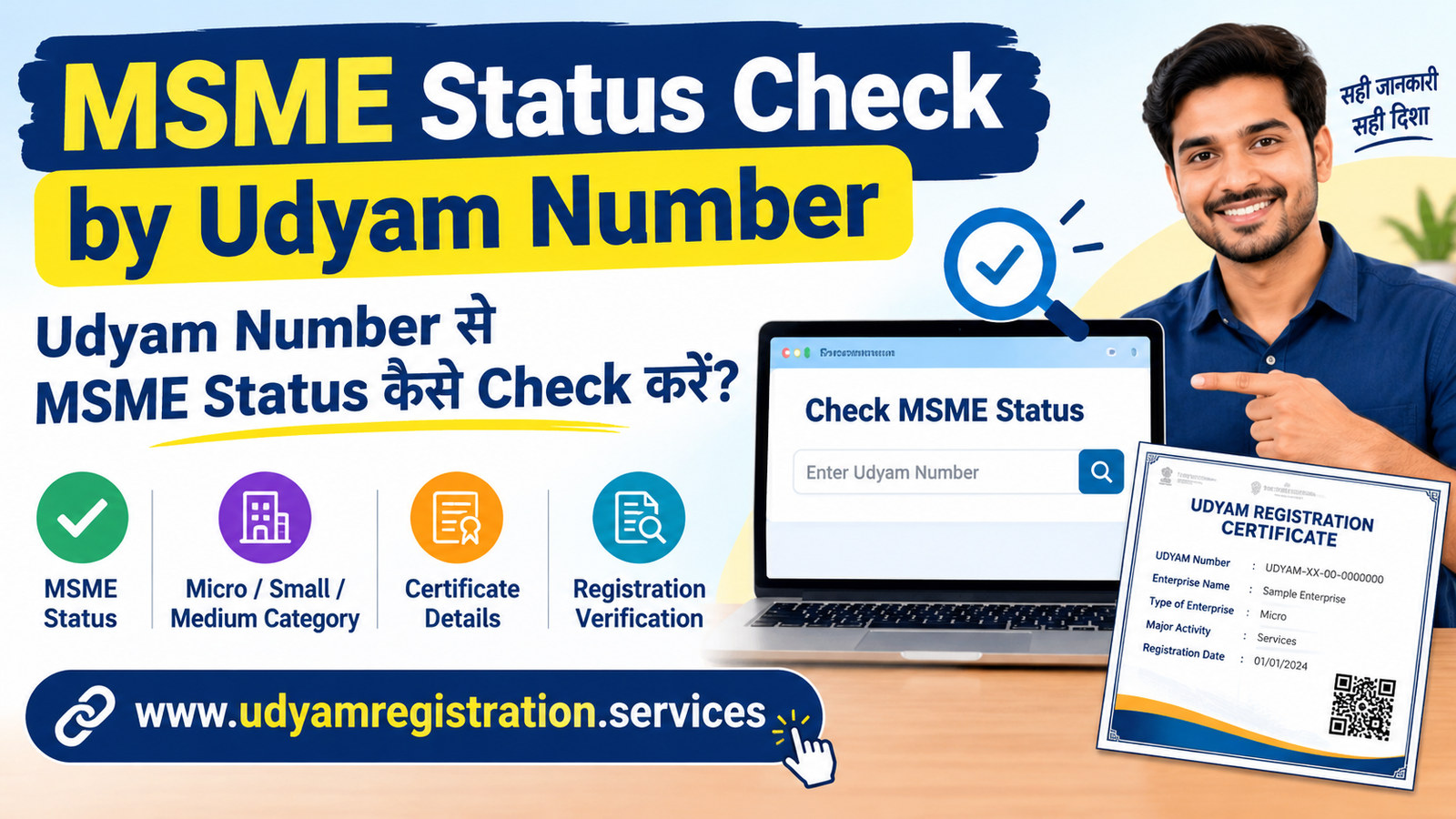
MSME Status Check by Udyam Number: Online Status and Verification
अगर आपने अपने व्यवसाय का Udyam Registration कराया है और अब यह जानना चाहते हैं कि आपका MSME Registration Active है या नहीं, आपका Enterpr...
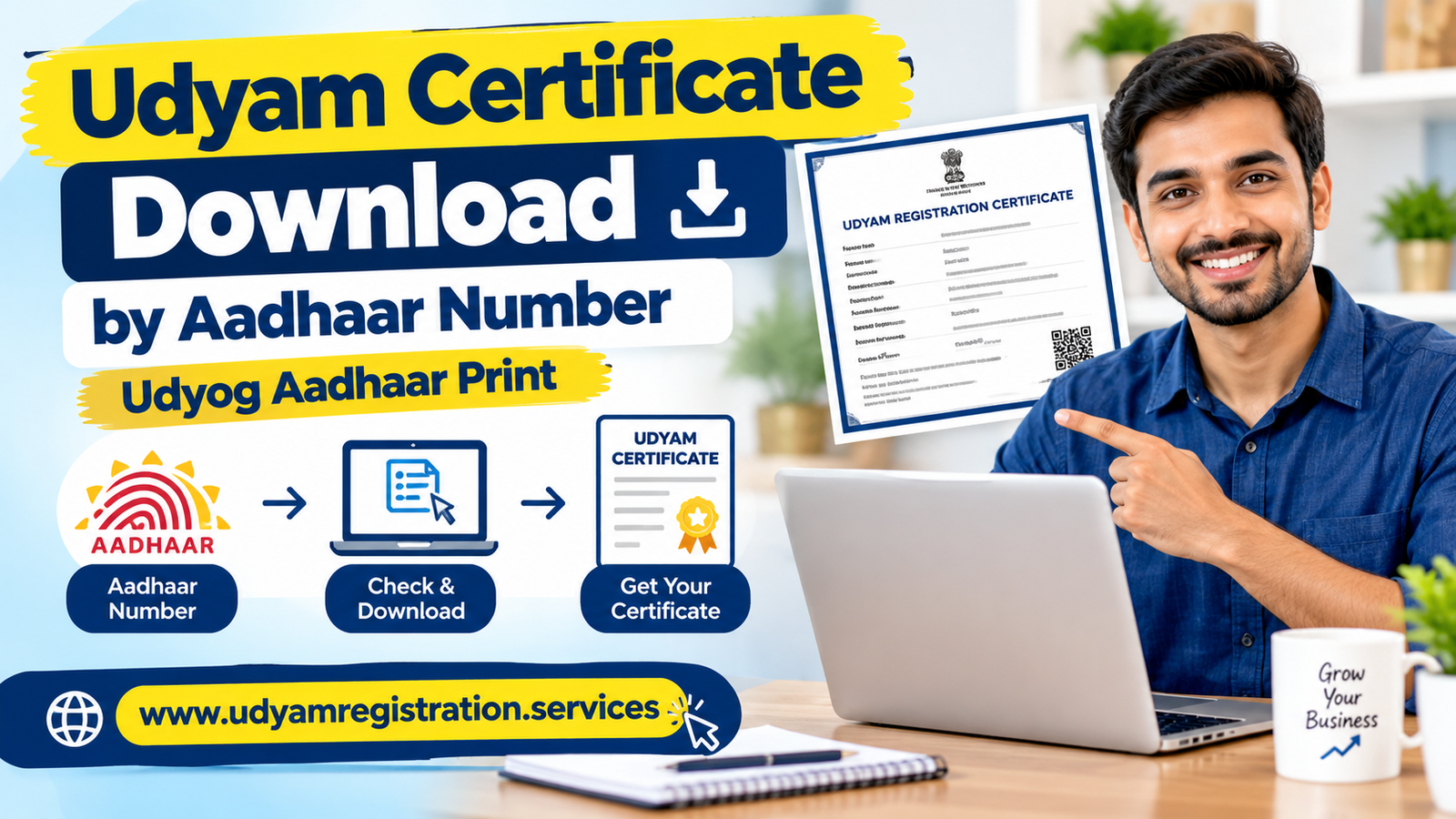
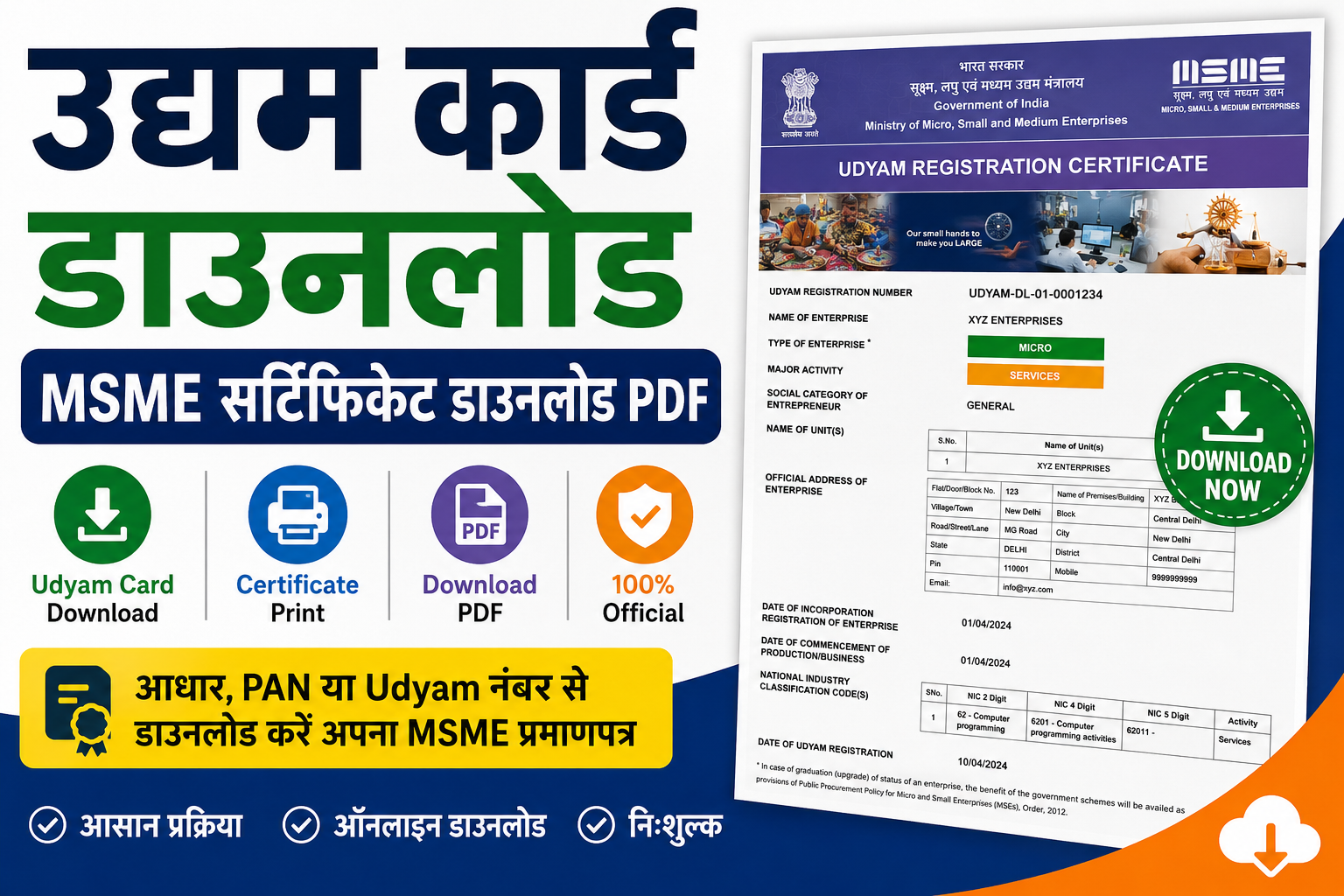
Read Full GuideLost your Udyam certificate or need a fresh copy for a bank, GeM, or tender submission? Enter your 19-digit URN and verify via OTP to download your official MSME certificate PDF with QR code and digital signature — instantly. No fees. No waiting. Unlimited downloads.
This service is only for existing Udyam-registered enterprises. If you don't have a URN, register free here. For older Udyog Aadhaar (UAM) certificates, use the Print UAM Certificate service — though UAM is obsolete, migrate to Udyam instead.
Download and Print Udyam Certificate
अगर आपने अपने व्यवसाय का Udyam Registration कराया है और अब यह जानना चाहते हैं कि आपका MSME Registration Active है या नहीं, आपका Enterpr...
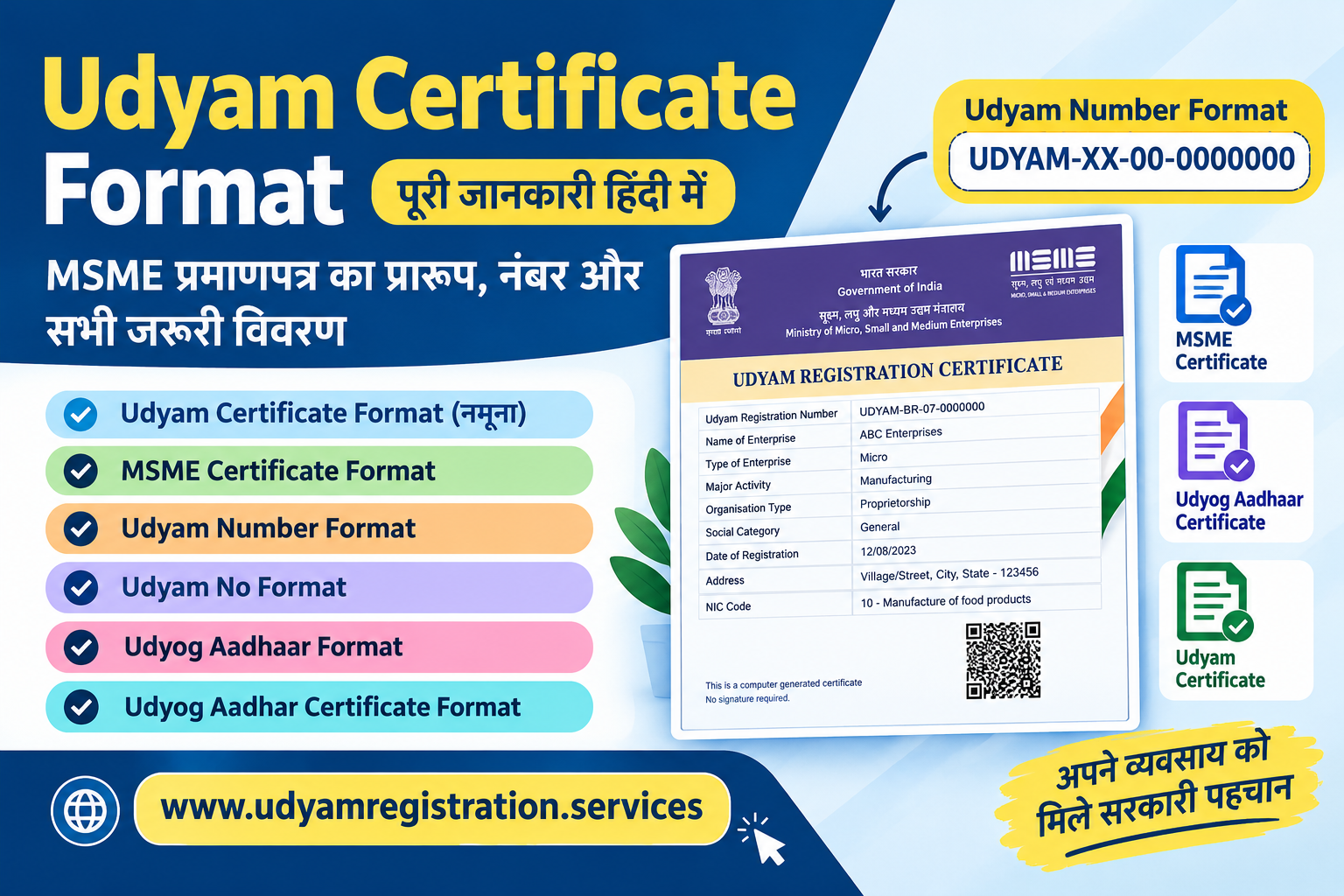
Read Full GuideUdyam Certificate Format उन उद्यमियों के लिए एक महत्वपूर्ण विषय है जो अपने MSME प्रमाणपत्र का प्रारूप समझना चाहते हैं। जब कोई व...
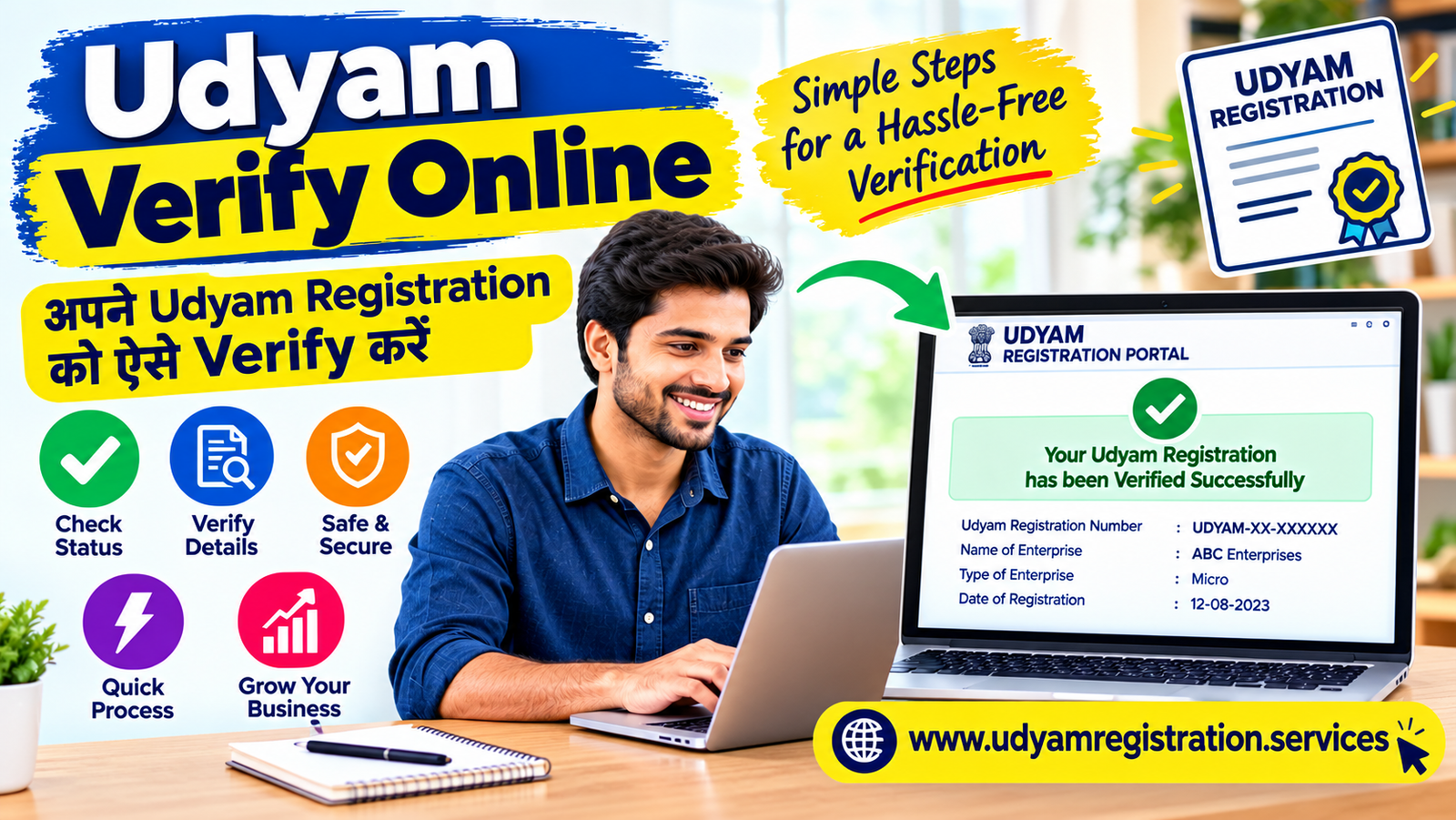
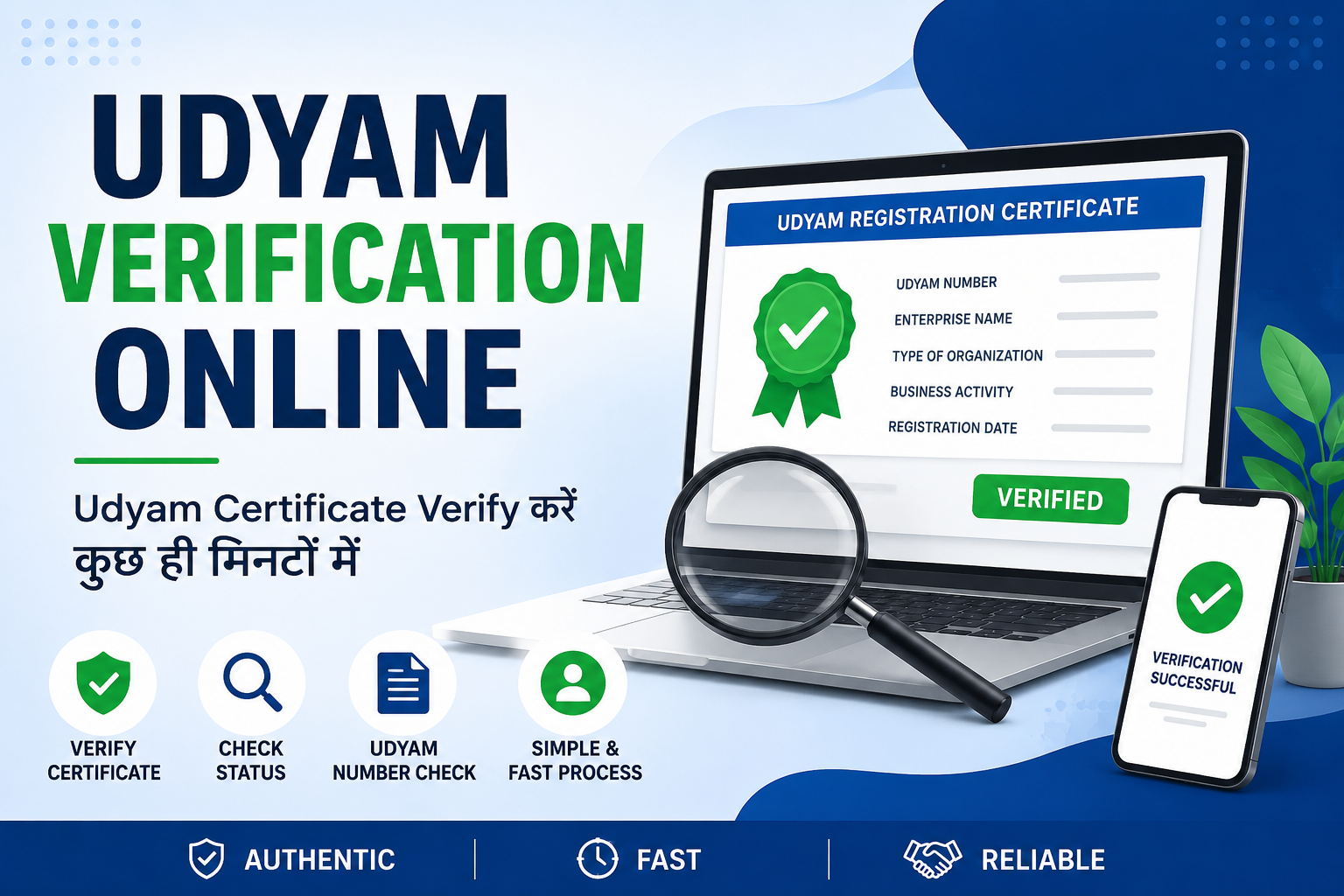
Read Full GuideUdyam Verify Online is a useful process for checking the authenticity of an Udyam Registration Certificate, confirming registra...
Read Full GuideUdyam certificate download by Aadhaar number उन MSME उद्यमियों के लिए उपयोगी है, जिन्होंने अपना Udyam Registration Certificate खो दिया ...
Read Full GuideCM Yuva Udyami Yojana युवाओं को अपना व्यवसाय शुरू करने और स्वरोजगार को बढ़ावा देने के उद्देश्य से शुरू की गई महत्वपूर्ण सरकारी पहल है। ...
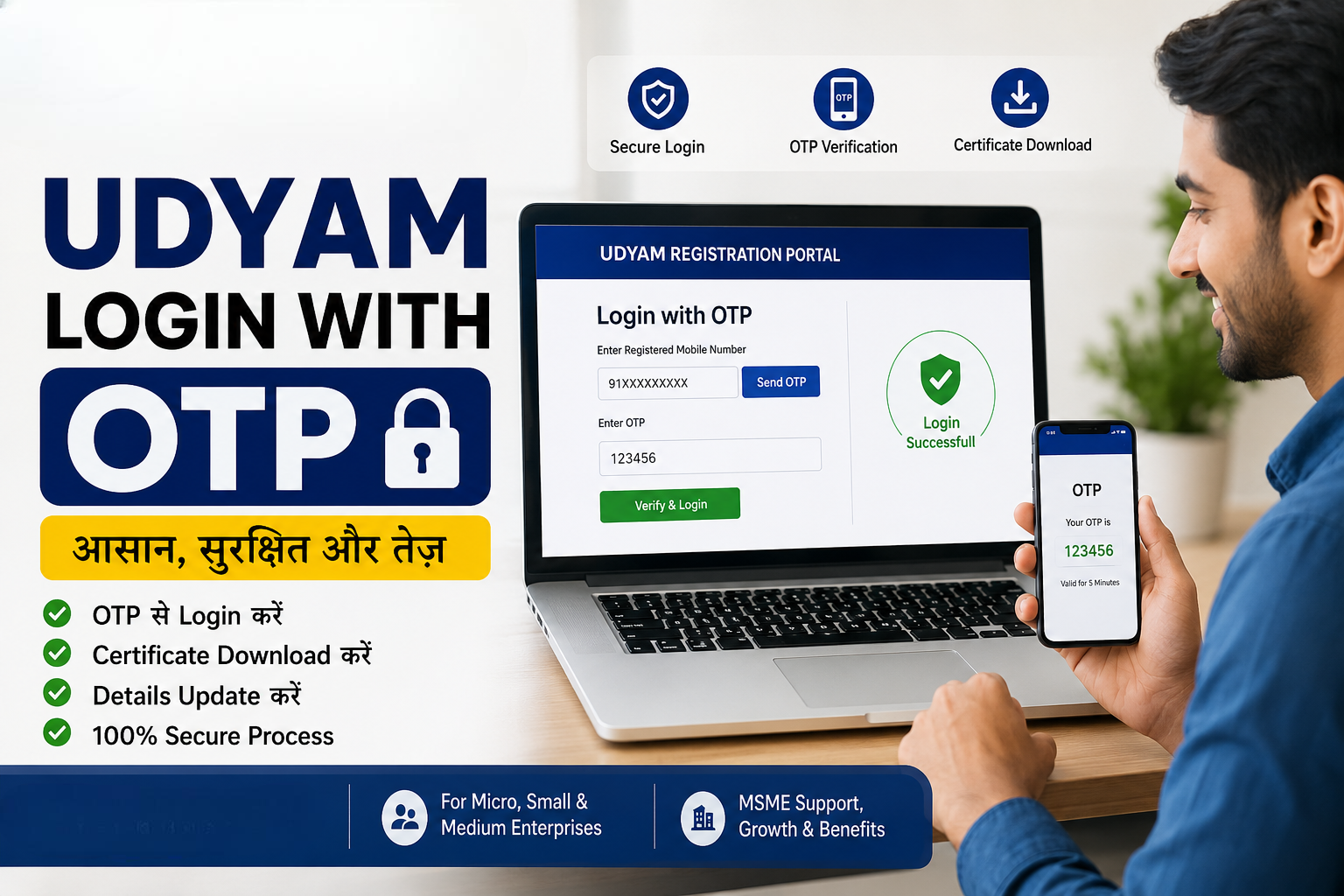
Read Full Guideअगर आपने Udyam Registration कराया है और अब अपने MSME Certificate को डाउनलोड करना, जानकारी अपडेट करना या Registration Details देखना चाहत...
Read Full Guideयदि आपने MSME के लिए Udyam Registration कराया है लेकिन आपका Udyam Number (URN) कहीं खो गया है, तो चिंता करने की आवश्यकता नहीं है। आज भी...
Read Full Guideभारत में छोटे और मध्यम व्यवसायों (MSME) को बढ़ावा देने के लिए सरकार ने Udyam Registration System शुरू किया है। पहले इसे Udyog Aadhaar क...
Read Full Guideउद्यम पंजीकरण (Udyam Registration) भारत सरकार द्वारा सूक्ष्म, लघु और मध्यम उद्यमों (MSME) के लिए शुरू किया गया एक महत्वपूर्ण पोर्टल है।...
Read Full GuideThe Udyam Certificate Download by Mobile Number process is one of the most searched topics among MSME owners in India. After completing...
Read Full GuideIn today's digital business environment, knowing your Udyam registration status is crucial for every micro, small, and medium...
Read Full GuideIn today's digital business environment, knowing your Udyam registration status is crucial for every micro, small, and medium...
Read Full Guideभारत सरकार द्वारा सूक्ष्म, लघु एवं मध्यम उद्यमों (MSME) को बढ़ावा देने के लिए उद्यम पंजीकरण (Udyam Registration) प्रणाली शुरू की गई है।...
Read Full Guideअगर आप किसी MSME business का Udyam Registration Certificate verify करना चाहते हैं, तो अब यह process पूरी तरह online और आसान हो चुका है।...
Read Full GuideHow to Find the Best Chartered Accountant Near You: Complete Guide Introduction: Why Finding the Right CA Matters in 2026 Findi...
Read Full GuideCash Flow Statement: Complete Guide for Indian Businesses 2026 What is a Cash Flow Statement and Why Every Indian Business Needs O...
Read Full GuideGovernment Subsidy Schemes 2026: How to Apply & Get Benefits Introduction: Why Government Subsidies Matter for Indians in 2026...
Read Full GuideMOU Format for Business Partnerships: Complete Template Guide 2026 Introduction to MOU in Indian Business Context A Memorandum ...
Read Full GuideMSME Project Report Format: Complete Guide & Template 2026 Introduction: Why MSME Project Reports Are Critical for Business Su...
Read Full GuideBusiness Certificate Kaise Print Karen: Online Step-by-Step Guide Business Certificate Print Karne...
Read Full GuideYour Udyam Registration Certificate is the official proof of your enterprise's MSME status, issued by the Ministry of Micro, Small & Medium Enterprises. It carries your 19-digit Udyam Registration Number (URN), enterprise name, date of registration, applicant name, NIC activity codes, MSME classification (Micro / Small / Medium), office address, QR code, and digital signature. This certificate is mandatory for accessing MSME schemes, government tenders on GeM, bank loan applications, priority-sector lending, CGTMSE collateral-free loans, and Section 43B(h) 45-day payment protection.
You can reprint or download this certificate any number of times using your URN and OTP verification — there is no download limit. The certificate is a permanent document with lifetime validity; no renewal is required unless you update business details through the Update Udyam Registration form.
The entire print process is 100% free, paperless, and takes under 5 minutes. The downloaded PDF is legally accepted by all banks, NBFCs, government tender portals, GeM, GSTN, Income Tax, and state authorities — without any additional attestation, notarisation, or stamp.
Enterprise name • 19-digit Udyam Registration Number (URN) • Registration date • Aadhaar-linked applicant name • PAN • Type of organisation • NIC activity codes • Main business activity (manufacturing / service / trading) • Office address with state & district • MSME category (Micro / Small / Medium) • QR code for online verification • Digital signature of Ministry of MSME.
The Udyam Registration Number (URN) is the single identifier the government uses to authenticate your MSME registration. Every URN follows a strict 19-character alphanumeric format that you must enter exactly to successfully print your certificate.
| Segment | Example | What It Represents |
|---|---|---|
| Prefix | UDYAM |
Fixed prefix for all Udyam registrations issued after 1 July 2020 |
| State Code | MH |
Two-letter state code (e.g., MH = Maharashtra, DL = Delhi, KA = Karnataka, TN = Tamil Nadu) |
| District Code | 12 |
Two-digit numeric district code within the state |
| Registration Number | 0012345 |
Seven-digit unique serial assigned to your enterprise at registration |
| Full URN | UDYAM-MH-12-0012345 |
19 characters including hyphens — this is the exact string required on the print form |
no-reply@udyamregistration.gov.in — URN is included in the body.Missing hyphens, lowercase characters, swapped state codes, or 18-digit entries all cause immediate rejection. Always copy-paste from your certificate or confirmation email rather than typing from memory.
There are multiple real-world situations where you will need a freshly printed or downloaded Udyam certificate in 2026:
The complete online print process takes under 5 minutes. Here is the exact step-by-step walkthrough:
UDYAM-XX-00-0000000. Use copy-paste from your registration email to avoid typos.There is no download limit and no fee. Every download produces the same official PDF with fresh QR code and digital signature. Save copies on your phone, laptop, cloud drive, and email for instant access anywhere.
The print process is paperless — no document uploads are needed. You only need the following information ready:
UDYAM-XX-00-0000000. Copy from your certificate or registration email.OTP delivery fails if your registered mobile is lost / deactivated. First, update your mobile via the Update Udyam Registration form (takes 2–3 working days). Once updated, the OTP-based print will work. For immediate help, call the MSME helpline: 1800-180-6763.
UDYAM-XX-00-0000000.The print process works identically for every supported MSME entity type. Only the PAN type and authorised signatory vary — the URN + OTP flow is the same. Our expert-assisted print service supports:
These three terms are often used interchangeably but refer to slightly different flows on the official portal. Here is the quick breakdown:
| Action | What Happens | Use Case |
|---|---|---|
| Print Udyam Certificate | URN + OTP login → view certificate → print to paper or save as PDF | Paper copy for bank, tender, office records |
| Download Udyam Certificate | Same flow as print, ending with "Save as PDF" in browser | Digital copy for email, cloud, GeM upload |
| Verify Udyam Registration | Enter URN + CAPTCHA (no OTP) → see live registration status / category | Quickly check if a URN is active / valid (third-party verification) |
| QR Code Verification | Scan the QR printed on the certificate PDF | Instant authenticity check by banks, tender verifiers, auditors |
| Reprint / Duplicate Certificate | Same as Print — every download is officially valid; no "original" vs "duplicate" distinction | After losing original, unlimited reprints allowed |
Print and Download are effectively the same action — the choice of wording just reflects how you plan to use the final PDF (paper vs digital). Verify is a distinct read-only action.
Every printed Udyam certificate in 2026 carries an enhanced QR code that links directly to live verification showing Active / Suspended / Cancelled status, latest update date, and current classification.
After this date, non-updated URNs may be flagged as "pending verification" on the printed certificate. Complete your update first, then download the revised certificate.
Certificates now reflect the new classification under Budget 2024 limits (Micro ≤ ₹2.5 Cr / ₹10 Cr; Small ≤ ₹25 Cr / ₹100 Cr; Medium ≤ ₹125 Cr / ₹500 Cr).
Ministry of MSME upgraded the digital signature on Udyam PDFs — certificates generated before 2024 may need to be re-downloaded to carry the latest signature format.
The portal became fully mobile-responsive, allowing certificate print and download from any Android or iOS browser without installing any app.
The Ministry clarified no limit on the number of times a URN holder can download / print the Udyam certificate — fresh QR-coded PDF each time.
Ministry of MSME launched udyamregistration.gov.in with instant PDF generation and QR-coded certificate print from day one.
Dive deeper into every aspect of Udyam Re-Registration with our expert-written guides (2026 edition):
The 20 most common questions about printing the Udyam certificate in 2026, answered with the latest rules. Tap any question to expand.
UDYAM-XX-00-0000000, where XX is your state code, 00 is the district code, and the remaining 7 digits are your unique registration number. Example: UDYAM-MH-12-0012345. It is printed prominently on your original Udyam certificate and sent to your registered email at the time of initial registration.UDYAM-). For older UAM / Udyog Aadhaar certificates (12-digit format), use the Print Udyog Aadhaar Certificate service. Note that UAM certificates are legally obsolete — you should migrate to Udyam via the Re-Registration process.