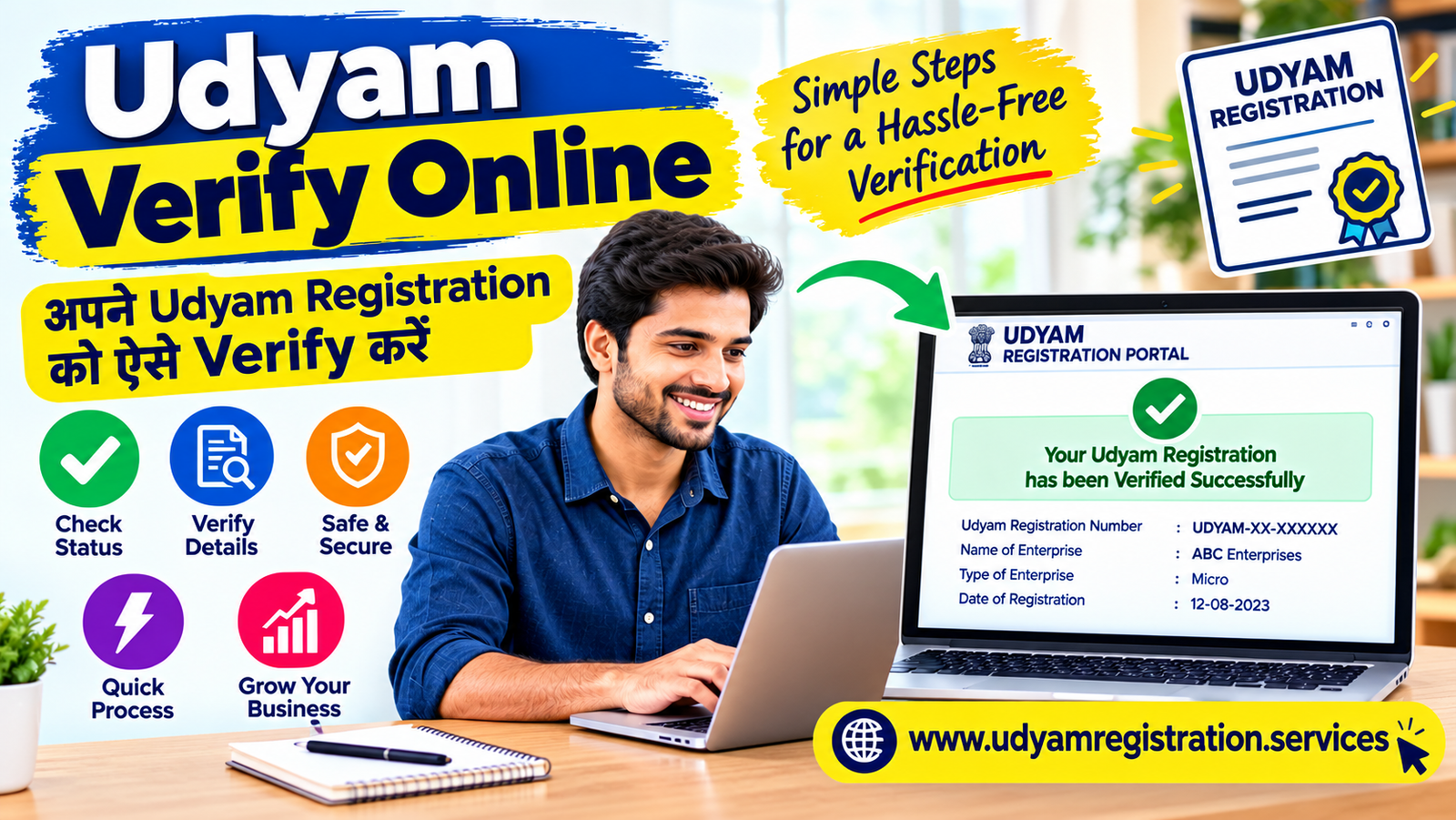
Udyam Verify Online is a useful process for checking the authenticity of an Udyam Registration Certificate, confirming registration details, and verifying an enterprise's registration number. Business owners, customers, suppliers, and other interested parties may need to verify Udyam details before relying on a certificate for business-related purposes.
If you want to know how to verify Udyam online, check an MSME certificate, or verify an old Udyog Aadhaar number, this guide explains the process step by step.
This article covers Udyam verification online, verify Udyam certificate, verify Udyam number, Udyog Aadhaar verification, and MSME certificate verification online, along with common problems and frequently asked questions.
What Is Udyam Verify Online?
Udyam Verify Online refers to the process of checking the registration details of a Micro, Small, or Medium Enterprise (MSME) through the online facilities provided by the Ministry of Micro, Small and Medium Enterprises.
An Udyam Registration Number is a unique identification number assigned to an enterprise after successful registration. The certificate contains important information about the enterprise, such as its name, registration number, enterprise category, and other registration details.
When you verify Udyam online, you can check whether the registration information matches the details available through the relevant official portal.
The verification process can be useful for:
-
Business owners who want to confirm their registration details.
-
Buyers and suppliers who need to check an enterprise's registration.
-
Businesses that want to verify an Udyam certificate before submitting it.
-
Individuals who need to check an old Udyog Aadhaar Memorandum (UAM).
-
Enterprises that want to confirm their registration number and certificate information.
The official Udyam Registration portal provides facilities for viewing registration details and searching registered MSME units.
Why Is Udyam Verification Online Important?
Udyam verification online helps people check whether the information printed on a certificate corresponds with the registration details available online.
A certificate may be requested for business documentation, vendor onboarding, loan applications, procurement processes, or other activities where MSME registration details are relevant. Verification can help identify incorrect numbers, spelling differences, outdated information, or mismatched enterprise details.
1. Confirm the authenticity of a certificate
When you verify an Udyam certificate, you can compare the certificate details with the information displayed through the official portal.
2. Check the Udyam Registration Number
The Udyam Registration Number identifies the enterprise in the registration system. Checking the number helps ensure that you are using the correct registration details.
3. Verify business information
Verification may help you confirm details such as the enterprise name, organisation type, and other available registration information.
4. Check old Udyog Aadhaar records
Businesses that previously held a Udyog Aadhaar Memorandum may need to verify their old registration details or check the status of migration to Udyam.
5. Reduce documentation errors
Checking registration details before submitting a certificate can help prevent mistakes in applications, business records, and vendor documents.
How to Verify Udyam Online: Step-by-Step Process
If you want to verify Udyam online, you can use the Udyam Registration portal to access the available verification and registration-detail facilities.
The following steps explain how to check an existing registration.
Step 1: Visit the official Udyam Registration portal
Open the official website:
Udyam Registration PortalMake sure you are using the correct website before entering any registration details.
Step 2: Locate the registration verification facility
Look for the facility used to verify or view Udyam registration details. The official portal also provides a registration-detail page that can display information associated with a registration number.
Step 3: Enter the Udyam Registration Number
Enter the complete Udyam Registration Number exactly as printed on the certificate.
The number generally follows this format:
UDYAM-XX-00-0000000
Check that all letters, digits, and hyphens are entered correctly.
Step 4: Complete the required verification
Depending on the facility you are using, you may need to enter a verification code or complete another verification step.
Follow the instructions displayed on the official website.
Step 5: Check the registration details
Review the information displayed on the screen and compare it with the certificate.
Pay attention to:
-
Enterprise name
-
Udyam Registration Number
-
Organisation type
-
Enterprise category
-
Registration date
-
Business activity and other available details
Step 6: Confirm the information
If the information displayed matches the certificate, you have confirmed that the details correspond with the registration record shown by the portal.
If the details do not match or the portal does not return a record, check the number again and use the relevant official help or verification facility.
How to Verify Udyam Certificate Online
Verify Udyam Certificate Online is a common search for people who want to confirm whether a business certificate contains valid registration information.
An Udyam certificate is issued after successful registration. It includes a unique registration number and a QR code that can help access the enterprise's registration details through the official portal.
Follow these steps to check your certificate:
-
Visit the official Udyam portal .
-
Locate the registration-detail or verification facility.
-
Enter the Udyam Registration Number printed on the certificate, wherever requested.
-
Complete the verification process shown on the screen.
-
Review the enterprise details displayed.
-
Compare the information with the certificate you have received.
What details should you check on an Udyam certificate?
|
Certificate detail |
What to check |
|---|---|
|
Udyam Registration Number |
Confirm that the number matches the certificate. |
|
Enterprise name |
Check the registered business name. |
|
Organisation type |
Confirm the type of business organisation. |
|
Enterprise category |
Review the displayed MSME classification. |
|
Registration date |
Check the date shown on the certificate. |
|
Business activity |
Compare the available activity information. |
|
QR code |
Scan it to access the associated registration information, where available. |
Important: A certificate image or PDF alone does not establish that the registration is genuine. Compare the details with the information available through the official verification facility.
How to Verify Udyam Number Online
If you want to verify Udyam number details, you should first identify the registration number printed on the certificate.
The Udyam Registration Number is different from the older Udyog Aadhaar number. Udyam numbers generally begin with UDYAM-, followed by letters and digits.
Steps to verify Udyam number
-
Find the Udyam Registration Number on your certificate.
-
Open the official Udyam Registration portal.
-
Access the applicable registration-detail or verification facility.
-
Enter the number exactly as printed.
-
Complete any verification code or authentication step requested.
-
Review the registration information returned by the portal.
If the number is not accepted, check for missing characters, incorrect digits, or extra spaces.
What if the Udyam number cannot be verified?
There can be several reasons why a number does not return the expected details:
-
The registration number has been entered incorrectly.
-
The number belongs to an older Udyog Aadhaar registration.
-
You are using a verification facility intended for a different registration type.
-
The enterprise details have changed or require further checking.
-
The portal is temporarily unavailable.
If you have forgotten the registration number, the official portal provides a facility to retrieve a UAM or Udyam number using the registered mobile number or email address and OTP verification.
How to Verify Udyog Aadhaar Online
Verify Udyog Aadhaar Online is a search used by people who want to check an older Udyog Aadhaar Memorandum (UAM).
Udyog Aadhaar was an earlier MSME registration system. It was replaced by the Udyam Registration system, and enterprises with old UAM registrations were required to migrate to Udyam under the applicable process.
The official portal continues to provide an online verification facility for Udyog Aadhaar Memorandum numbers.
Step-by-step process to verify Udyog Aadhaar
Udyog Aadhaar Online Verification
Step 1: Open the official Udyog Aadhaar verification page.
Step 2: Enter your 12-character UAM number.
The old UAM number follows a format such as DL05A0000001.
Step 3: Enter the verification code shown on the page.
The code is case-sensitive, so enter it exactly as displayed.
Step 4: Click the Verify button.
Step 5: Review the result shown on the official verification page.
The official UAM verification page specifies a 12-character UAM number and a verification code as part of the process.
Who should use Udyog Aadhaar verification?
This facility may be relevant if:
-
You have an old Udyog Aadhaar Memorandum.
-
You want to check the details associated with a UAM number.
-
You need to confirm information from an older MSME registration record.
-
You want to check your old registration before completing the applicable Udyam migration process.
If you already have an Udyam Registration Number, use the relevant Udyam registration-detail facility instead of entering the new number into the old UAM verification page.
How to Verify Udyog Aadhaar Number Online
If you want to verify Udyog Aadhaar number details, you should first check whether the number is an old UAM number or a new Udyam Registration Number.
The two registration systems use different number formats and verification facilities.
Udyog Aadhaar number verification process
-
Locate the old Udyog Aadhaar number on your memorandum.
-
Open the official UAM verification page.
-
Enter the 12-character UAM number.
-
Enter the displayed verification code.
-
Click Verify.
-
Review the result returned by the portal.
If you are unable to verify the number, confirm that you are using the correct UAM number and not the Udyam Registration Number.
How to Verify MSME Certificate Online
MSME Certificate Verify Online is a general term used for checking whether an enterprise's MSME registration details correspond with the official registration record.
For businesses registered under the current Udyam system, the Udyam Registration portal provides access to registration information and other relevant facilities.
Steps to verify an MSME certificate online
-
Visit the official Udyam Registration portal. (www.udyamregistration.gov.in)
-
Identify whether the certificate is an Udyam certificate or an older Udyog Aadhaar document.
-
Open the appropriate verification or registration-detail facility.
-
Enter the relevant registration number, if requested.
-
Complete the verification steps displayed.
-
Compare the returned information with the certificate.
Can you verify an MSME certificate without a registration number?
The process depends on the type of certificate and the available verification facility.
If you do not have the registration number, you may be able to retrieve it through the official forgotten-number facility using the registered mobile number or email address and OTP verification.
You can also use the official MSME unit search facility to search registered units by state, district, and product or activity. However, this search is not a substitute for verifying a specific certificate.
How to Verify Udyam Certificate Using a QR Code
Udyam certificates contain a dynamic QR code that can provide access to the enterprise's registration information through the official portal.
Steps to verify a certificate using a QR code
-
Open the Udyam certificate PDF or printed certificate.
-
Locate the QR code.
-
Use a smartphone camera or QR code scanner to scan it.
-
Check the website address that opens.
-
Confirm that the page belongs to the official Udyam Registration portal.
-
Review the enterprise details displayed.
-
Compare the information with the certificate.
What if the QR code does not work?
If the QR code is unclear or does not open a page, you can use the registration number to access the relevant verification facility.
Avoid entering sensitive information on unknown websites that claim to verify an MSME certificate.
Difference Between Udyam Verification and Udyog Aadhaar Verification
Although both processes relate to MSME registration, they are used for different registration systems.
|
Feature |
Udyam Registration |
Udyog Aadhaar |
|---|---|---|
|
Registration system |
Current MSME registration system |
Earlier MSME registration system |
|
Registration number |
Begins with UDYAM |
12-character UAM number |
|
Verification facility |
Udyam registration-detail or verification facility |
UAM online verification page |
|
Number format |
UDYAM-XX-00-0000000 |
Example: DL05A0000001 |
|
Main purpose |
Check current registration information |
Check older UAM registration information |
|
Migration |
Current system |
Old registrations may need migration to Udyam |
The official portal provides separate facilities for Udyam registration and UAM-related processes.
Common Problems During Udyam Verification Online
Sometimes, users may face problems while trying to verify Udyam or Udyog Aadhaar details. Understanding the possible reasons can help you choose the correct verification process.
1. Incorrect Udyam Registration Number
A single incorrect digit or letter can prevent the portal from identifying the registration.
Solution: Check the number carefully and enter it exactly as printed on the certificate.
2. Entering a UAM number in the Udyam facility
Udyog Aadhaar and Udyam Registration numbers are different. An old UAM number may not work in a facility intended for current Udyam registrations.
Solution: Identify the registration type and use the appropriate verification page.
3. Captcha verification failure
The verification code may be case-sensitive. Entering an incorrect code can prevent the verification process from proceeding.
Solution: Refresh the code if necessary and enter the new code carefully.
4. Forgotten Udyam number
You may not be able to verify the registration if you have lost the registration number.
Solution: Use the official forgotten-number facility and complete OTP verification using the registered mobile number or email address.
5. Enterprise details do not match
The name or other details shown on the certificate may differ from the information available online.
Solution: Compare the registration number, enterprise name, and other details. If the difference remains, check whether the registration information needs correction.
6. Website not loading
The official portal may occasionally be slow or temporarily unavailable.
Solution: Try again later and make sure you are using the correct official website.
Benefits of Online Verification of Udyog Aadhaar and Udyam
Online verification of Udyog Aadhaar and Udyam registration details can help businesses and other interested parties in several ways.
1. Easy access to registration information
The online system allows users to access available registration details without relying solely on a printed certificate.
2. Better documentation accuracy
Verifying registration details can help reduce errors when submitting MSME-related documents to banks, buyers, suppliers, or other organisations.
3. Convenient verification
The online facilities allow users to check registration information remotely, subject to the availability of the relevant portal service.
4. Support for business verification
Businesses can use available registration information to check whether an enterprise's MSME details correspond with the records displayed by the portal.
5. Access to older registration records
The UAM verification facility helps users check details associated with older Udyog Aadhaar registrations.
Important Things to Know Before Verifying an MSME Certificate
Before you verify Udyam or Udyog Aadhaar details online, keep these points in mind:
-
Use the official Udyam Registration website for registration-related verification.
-
Keep the correct registration number ready.
-
Identify whether the document is an Udyam certificate or an old Udyog Aadhaar Memorandum.
-
Check the enterprise name and other available registration details carefully.
-
Do not share your OTP with an unknown person.
-
Do not assume that a certificate is genuine just because it looks professionally designed.
-
Remember that registration verification does not automatically establish eligibility for every MSME scheme, loan, tender, or other benefit.
-
If you need to correct registration details, use the applicable official update facility.
The official portal states that Udyam registration is paperless and does not require a registration fee. It also cautions users about unofficial registration websites.
Frequently Asked Questions About Udyam Verify Online
1. What is Udyam Verify Online?
Udyam Verify Online is the process of checking an enterprise's registration information through the online facilities available on the Udyam Registration portal.
2. How can I verify Udyam online?
Visit the official Udyam Registration portal, open the relevant registration-detail or verification facility, enter the required information, and review the details displayed.
3. How can I verify Udyam certificate online?
Open the official portal, access the applicable verification facility, and compare the registration details displayed with the information printed on your certificate.
4. How can I verify my Udyam number?
Locate your Udyam Registration Number and enter it into the relevant registration-detail or verification facility on the official portal.
5. How can I verify Udyog Aadhaar online?
Visit the official UAM verification page, enter your 12-character UAM number, complete the verification code, and click Verify.
6. How can I verify Udyog Aadhaar number online?
Use the official Udyog Aadhaar Memorandum verification facility. Enter the old UAM number and complete the verification process displayed on the page.
7. Can I verify an MSME certificate online?
Yes. You can check the available registration details through the relevant official Udyam or UAM verification facility, depending on the type of certificate.
8. How can I verify an MSME certificate without a registration number?
You may use the official forgotten-number facility to retrieve your Udyam or UAM registration number through the registered mobile number or email address and OTP verification.
9. What is the difference between Udyam and Udyog Aadhaar?
Udyam Registration is the current MSME registration system, while Udyog Aadhaar was the earlier registration system. Their registration numbers and verification facilities are different.
10. Can I verify Udyam using Aadhaar?
Aadhaar is used for identity verification during the registration process. To check an existing registration, you generally need the registration number or access to the applicable recovery facility.
11. How can I verify Udyam certificate using a QR code?
Scan the QR code on the certificate using a smartphone and check whether it opens the relevant registration information on the official portal.
12. Why is my Udyam number not verified?
The number may have been entered incorrectly, may belong to an older registration system, or may require a different verification facility. Check the number and try the relevant official page.
13. Can I verify Udyog Aadhaar without a mobile number?
The UAM verification page uses a UAM number and verification code. Other services, such as retrieving a forgotten number, may require access to the registered mobile number or email address.
14. Is Udyam verification online free?
The official portal provides registration-related online facilities. Udyam registration itself is free of government registration fees. Private assistance services may charge separately for their services.
15. Does Udyam verification confirm MSME status?
Verification can help confirm the registration information available through the portal. Eligibility for a particular scheme or benefit depends on the applicable requirements.
Conclusion
Udyam Verify Online helps business owners and other interested parties check registration details associated with an Udyam certificate or an older Udyog Aadhaar Memorandum.
To verify Udyam certificate details, use the relevant registration-detail facility on the official portal. For older UAM records, use the dedicated Udyog Aadhaar verification page.
Always compare the enterprise name, registration number, and other available details before relying on a certificate for business documentation.