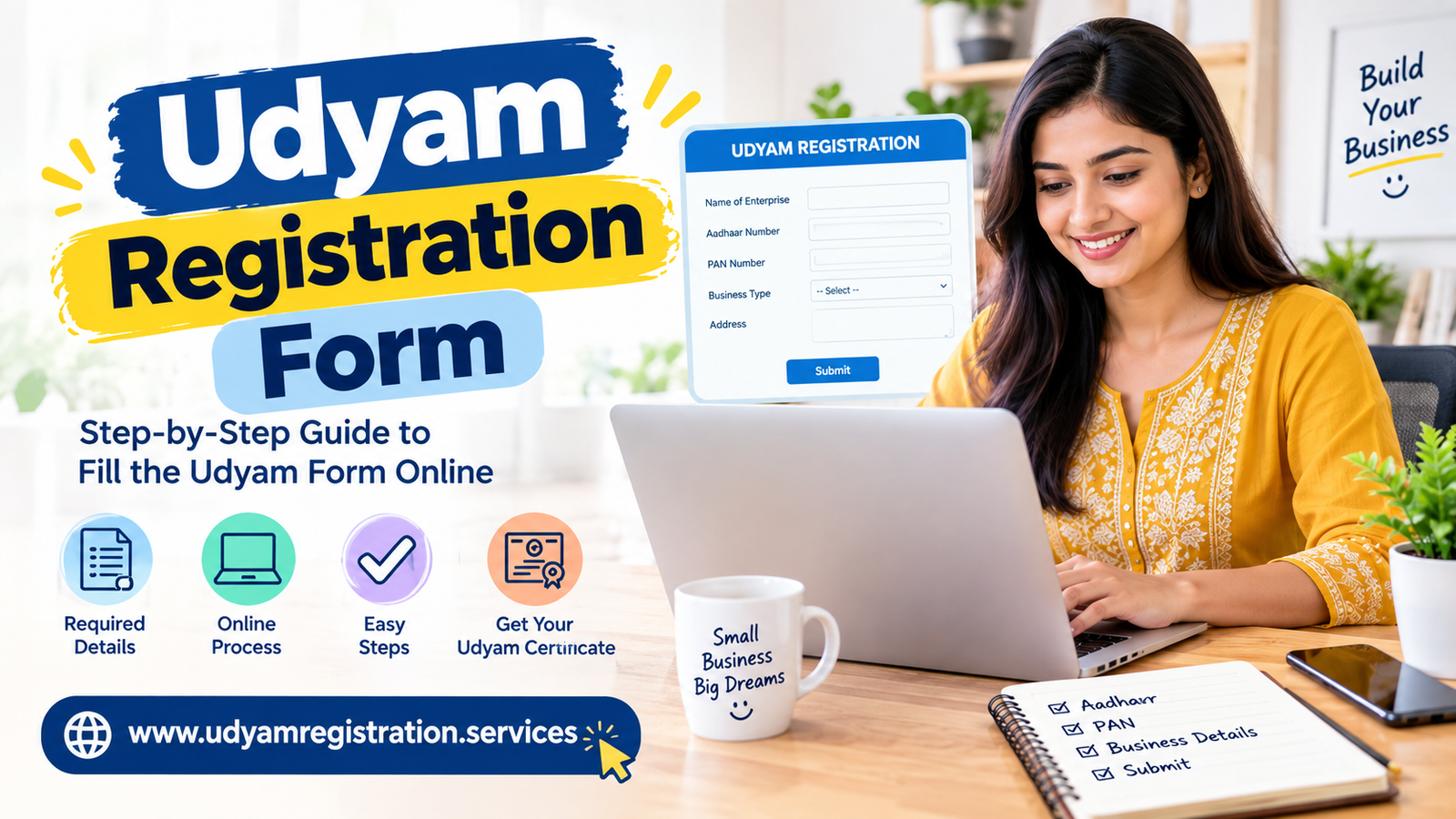
The Udyam Registration Form is the official online application used by micro, small and medium enterprises to obtain MSME recognition in India. The registration is free, paperless and completed through the Udyam Registration portal. After successful submission, the enterprise receives an online Udyam Registration Certificate with a permanent registration number.
Earlier, MSME registration was commonly known as Udyog Aadhaar or Udyog Aadhaar Memorandum (UAM). Existing UAM holders should migrate to Udyam Registration through the official portal.udyamregistration.gov
Udyam Full Form and Meaning
Udyam does not have a separate abbreviated full form. It is the name used by the Ministry of Micro, Small and Medium Enterprises for the current MSME registration system.
The term MSME stands for Micro, Small and Medium Enterprises. Udyam Registration provides an official identity to eligible businesses and can support access to government schemes, business loans, subsidies and other MSME-related benefits, subject to the applicable rules of each scheme.
The old terms Udyog Aadhaar, Aadhaar Udyog and Aadhaar MSME are still frequently used in online searches, but the current official system is called Udyam Registration.
Udyam Registration Form Eligibility
The Udyam application can generally be submitted by eligible enterprises engaged in manufacturing, processing or service activities. A sole proprietorship, partnership firm, company, limited liability partnership, cooperative society, trust or other eligible organisation may apply.
For a proprietorship, the Aadhaar number used for verification must belong to the proprietor. For a partnership, the Aadhaar details of the managing partner are required. In the case of a company or LLP, the Aadhaar details of the authorised signatory are used.
A business should provide accurate information about:
- Enterprise or business name.
- Type of organisation.
- Proprietor, partner or authorised signatory.
- PAN and GST details, where applicable.
- Official and plant/business address.
- Bank account details.
- Main business activity.
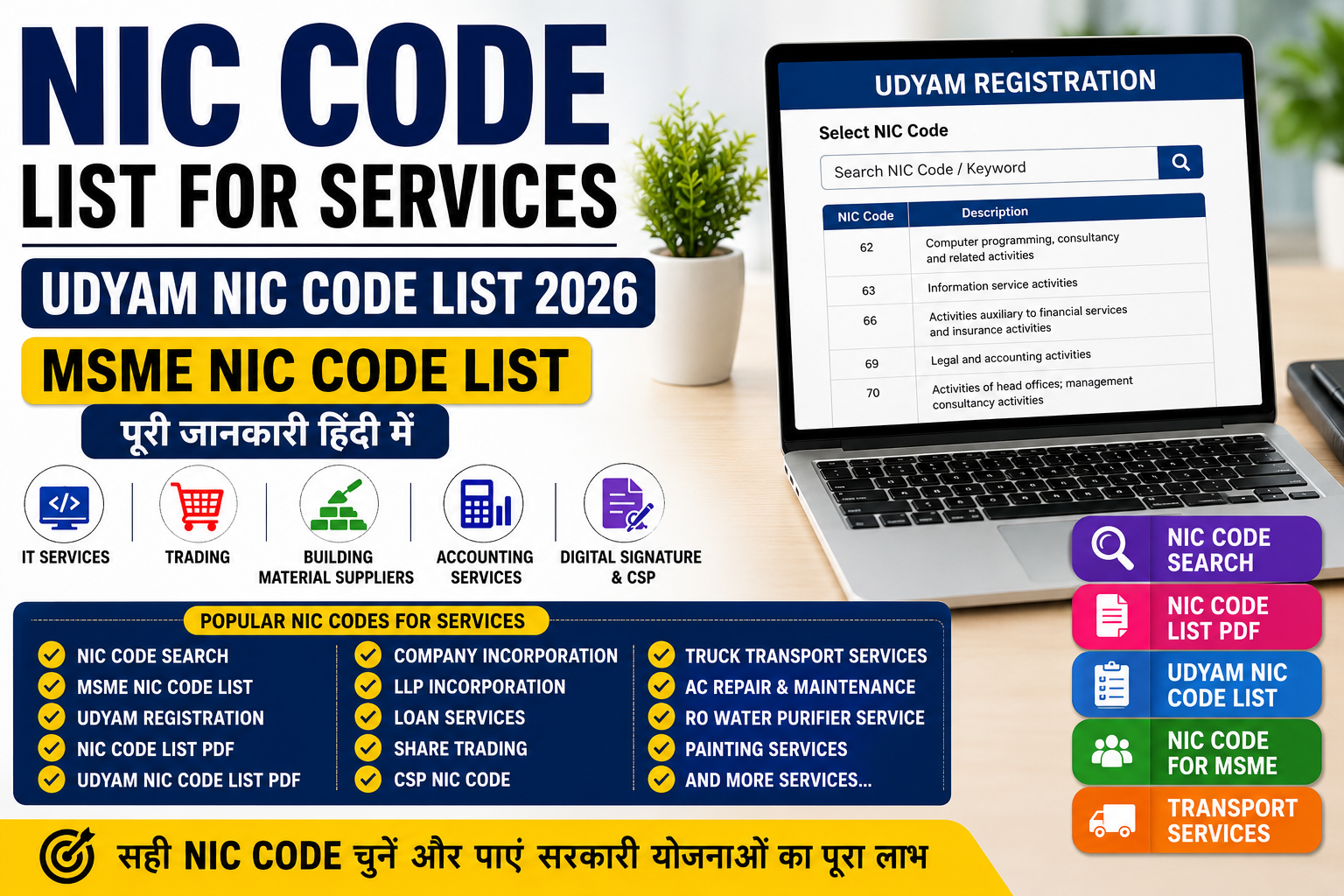
- Appropriate National Industrial Classification (NIC) code.
- Investment and turnover information.
- Number of employees.
The portal verifies information through Aadhaar, PAN and, where applicable, GST and other government records.
Udyam Apply: Documents and Details Required
The Udyam registration process is designed as a self-declaration-based online process. The official portal states that registration is free and does not require uploading extensive documents during the basic application.
Keep the following information available before starting:
- Aadhaar number of the proprietor, managing partner or authorised signatory.
- Mobile number linked with Aadhaar for OTP verification.
- PAN of the enterprise or relevant person.
- GSTIN, if GST registration applies to the business.
- Business or plant address.
- Bank account number and IFSC code.
- Date of commencement of business.
- Details of employees.
- Investment in plant, machinery or equipment.
- Annual turnover details.
- Suitable NIC activity code.
The portal may verify the information electronically. Therefore, the name on Aadhaar and PAN should be entered carefully. Incorrect business details may create difficulties while using the certificate for banking, tender or government-related purposes.
Udyam Application Form: Step-by-Step Process
To apply Udyam registration online, follow these steps:
1. Visit the Official Portal
Open the official Udyam Registration website. Avoid websites that request unnecessary service charges or claim to be the government portal. udyamregistration.gov
2. Select New Registration
Choose the option for a new entrepreneur who is not already registered as an MSME. Existing Udyog Aadhaar holders should use the migration option instead.
3. Enter Aadhaar Details
Enter the Aadhaar number of the proprietor, managing partner or authorised signatory. Enter the name exactly as it appears on the Aadhaar record.
Select the option to validate the Aadhaar and generate an OTP. Enter the OTP received on the linked mobile number.
4. Verify PAN
Enter the PAN details requested by the portal. The system may verify the PAN electronically and retrieve relevant information.
5. Fill in Enterprise Details
Complete the online MSME registration form with the enterprise name, organisation type, address, bank details, business activity, employee count, investment and turnover information.
6. Select NIC Code
Choose the NIC code that best describes the principal business activity. If the enterprise performs more than one eligible activity, additional activity codes may be added where permitted.
7. Submit the Application
Review every field before submitting the form. Confirm the self-declaration and complete the final OTP verification if requested.
8. Receive the Certificate
After successful submission, the enterprise receives a Udyam Registration Number and an online certificate. The official portal states that the certificate is issued online after completion of the registration process.
MSME Certificate Online Apply and Download
The MSME certificate online apply process is the same as Udyam Registration. There is no separate official certificate called an “Aadhaar Udyog certificate” under the current system.
To download the certificate:
- Visit the official Udyam portal.
- Select the option to print or verify the Udyam Registration Certificate.
- Enter the Udyam Registration Number or other requested details.
- Complete OTP verification.
- Download or print the certificate.
The certificate may include the enterprise name, registration number, organisation type, address, classification and QR code. Keep a digital copy and use the certificate details consistently in applications for loans, tenders and government schemes.
The phrase online MSME certificate download often refers to downloading this Udyam certificate.
Udyam Registration for Sole Proprietorship
A sole proprietor can apply for Udyam Registration online using the proprietor’s Aadhaar and PAN details. The business does not need to be incorporated as a company to apply.
For Udyam Registration for sole proprietorship, the applicant should:
- Use the proprietor’s Aadhaar for OTP authentication.
- Enter the proprietor’s name accurately.
- Provide the trade or enterprise name.
- Select “proprietorship” as the organisation type.
- Enter business and banking details.
- Select the correct business activity and NIC code.
- Submit the self-declaration.
The proprietor should ensure that the business information is genuine and current. Registration does not replace other licences that may apply, such as GST registration, FSSAI registration, shop and establishment registration or professional tax registration.
Udyog Aadhaar to Udyam Migration
Udyog Aadhaar, also written as Udyog Aadhar, was the earlier MSME registration system. Businesses that already have a Udyog Aadhaar Memorandum should use the migration facility on the Udyam portal rather than submit unrelated duplicate applications.
The official portal provides an assisted migration option for existing UAM holders. (udyamregistration.gov)
The usual migration process involves:
- Open the Udyam Registration portal.
- Select the option for applicants already having UAM registration.
- Enter the Udyog Aadhaar Number.
- Complete OTP verification using the available registered contact details.
- Verify Aadhaar and PAN information.
- Update the enterprise details requested by the portal.
- Submit the application.
- Download the new Udyam certificate after successful registration.
Search terms such as udyog aadhaar application form, udyog aadhaar registration form online, application for Udyog Aadhar and Udyog Aadhaar application download generally refer to the old UAM process. For a current MSME identity, use the Udyam portal.
Change Address in Udyam Registration
A business can need an update when its registered office, factory, branch or plant address changes. The change of address in Udyog Aadhaar option is no longer the main route for current registrations; existing businesses should use the update facility connected with their Udyam Registration.
For Udyam change of address:
- Open the official Udyam portal.
- Select the update Udyam registration option.
- Enter the Udyam Registration Number.
- Complete OTP authentication.
- Edit the official or plant address.
- Review the updated information.
- Submit the changes.
- Download the revised certificate, if issued by the portal.
The address should match the business records used for banking, taxation and other registrations. If the business has multiple locations, enter the information in the fields provided by the portal and follow the applicable instructions.
Searches such as MSME certificate change of address and change address in Udyam usually relate to this online amendment process.
Udyam Re-Registration Form
A business should not create multiple Udyam registrations for the same enterprise merely because it wants to correct a detail or download a certificate. Use the update or amendment facility where available.
The phrase Udyam re-registration form may refer to:
- Migration from Udyog Aadhaar to Udyam.
- Updating old registration details.
- Correcting enterprise information.
- Revalidating information through OTP.
- Obtaining a certificate after an earlier application.
If an application fails or details are incorrect, check the official portal instructions before submitting a fresh application.
Common Mistakes to Avoid
Avoid these errors while completing the Udyam form:
- Using an unofficial website.
- Paying a private website for a registration that is officially free.
- Entering a name that does not match Aadhaar or PAN records.
- Selecting an incorrect NIC code.
- Providing an inaccurate investment or turnover figure.
- Creating duplicate registrations.
- Ignoring the migration of an old Udyog Aadhaar registration.
- Sharing Aadhaar OTP with an unauthorised person.
- Downloading a certificate from an unverified website.
- Failing to update a changed business address.
The official portal describes Udyam Registration as a zero-cost process. Always check that the website domain is udyamregistration.gov.in before entering personal or business information.
Frequently Asked Questions
- What is the Udyam full form?
Udyam is the current MSME registration system; MSME means Micro, Small and Medium Enterprises.
- Can a sole proprietor apply for Udyam?
Yes, a sole proprietor can apply using Aadhaar and PAN details.
- Is Udyog Aadhaar used for new registration?
No, new applicants should use Udyam Registration; existing Udyog Aadhaar holders can migrate.
- Can I download the Udyam application?
Yes, you can print the application and download the Udyam certificate online.
- How can I download the MSME certificate?
Visit the official portal, enter your Udyam number, complete OTP verification and download it.udyamregistration.gov
- How can I update my business address?
Use the Udyam update facility, verify through OTP and submit the new address.
- Can I change my Udyog Aadhaar address?
First migrate to Udyam, then update the business address through the Udyam portal.
- Is Udyam the same as MSME registration?
Yes, Udyam Registration is the current official MSME registration system.
- What is the Udyam Registration number?
It is the unique identification number issued to an MSME after successful registration.
- Are documents required for Udyam Registration?
Usually, no document upload is required because the process is based on self-declaration.
- What is the Udyam application form?
It is the online form used to submit enterprise details for MSME registration.
- Can I apply for Udyam online?
Yes, eligible businesses can apply online through the official Udyam portal.
- What is Udyog Aadhaar migration?
It is the process of transferring an old Udyog Aadhaar record to the current Udyam system.
- Where should I apply for Udyam Registration?
Apply only through the official Udyam Registration portal.
Final Checklist
Before submitting the Udyam Registration Form, confirm that:
- Aadhaar details are correct.
- PAN information is accurate.
- The mobile number is available for OTP.
- Business and plant addresses are current.
- Bank details are correct.
- NIC activity codes match the actual business.
- Investment and turnover figures are accurate.
- You are using the official government portal.
- You save the Udyam Registration Number and certificate.
Udyam registration is intended to make MSME registration simple, online and paperless. For current registration, certificate download, migration and address updates, use the official Udyam Registration portal rather than relying on old Udyog Aadhaar forms.